
58th Floor AI Video

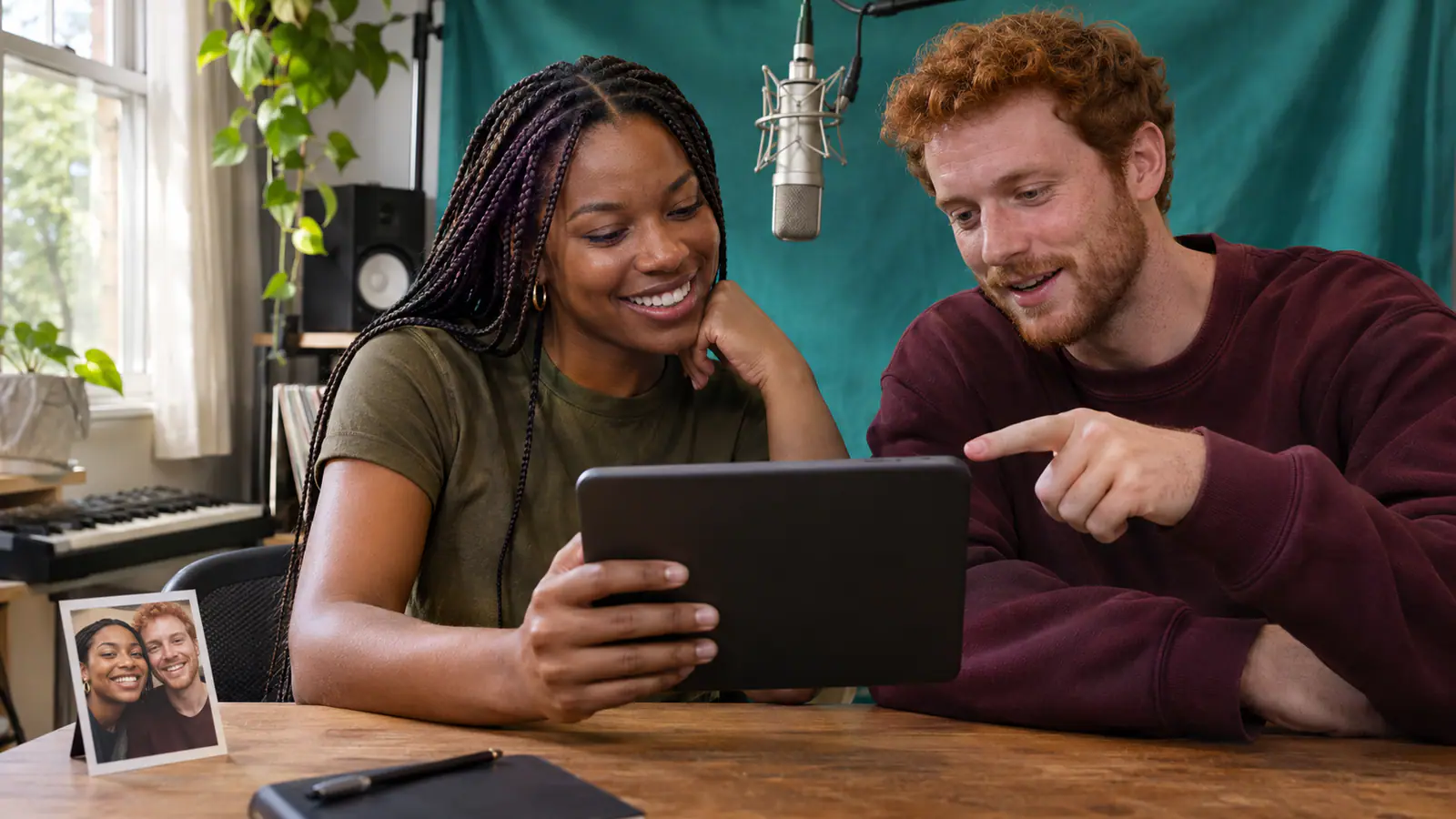
Upload your photos and prepare a rap duet in a teal studio with a hanging microphone.

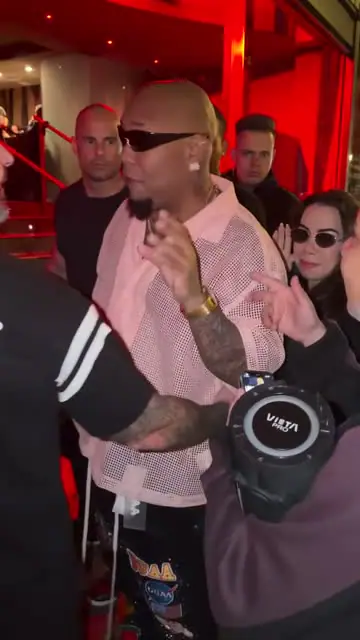
Your first star
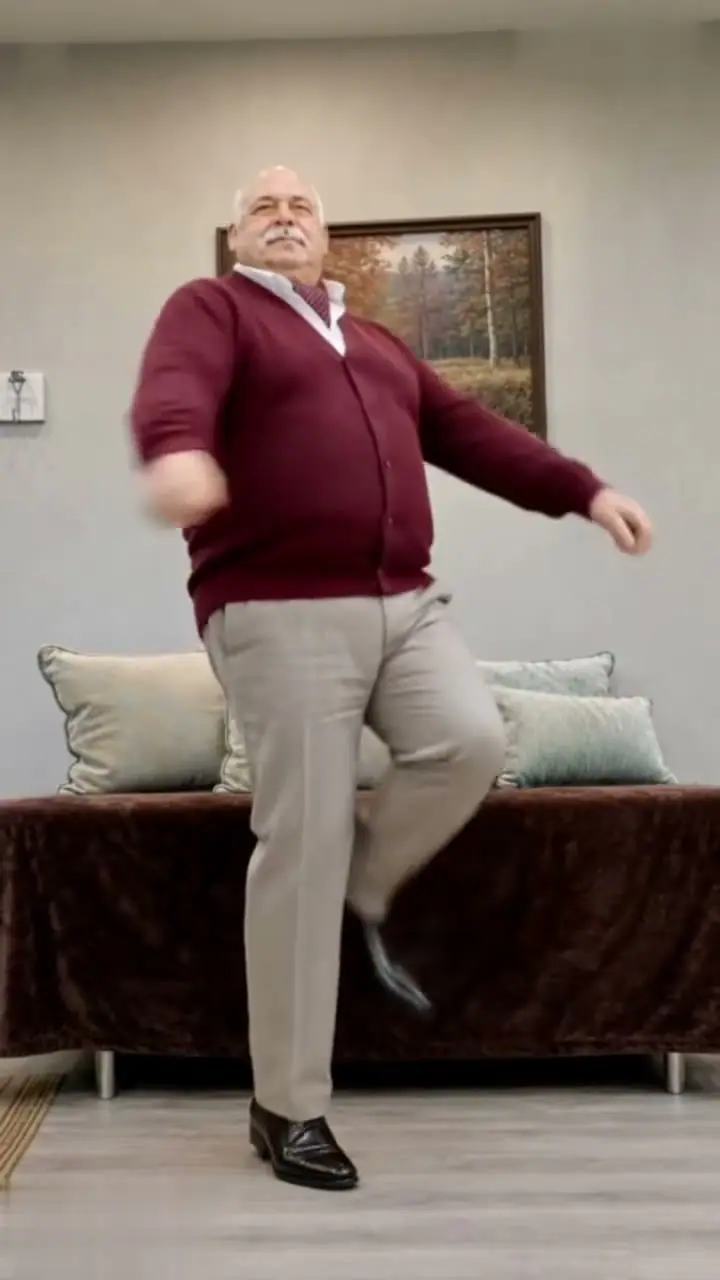
Their dance partner
Required Credits
10
Image to Video
16:9
0:00 / 0:00

58th Floor AI Video Generator

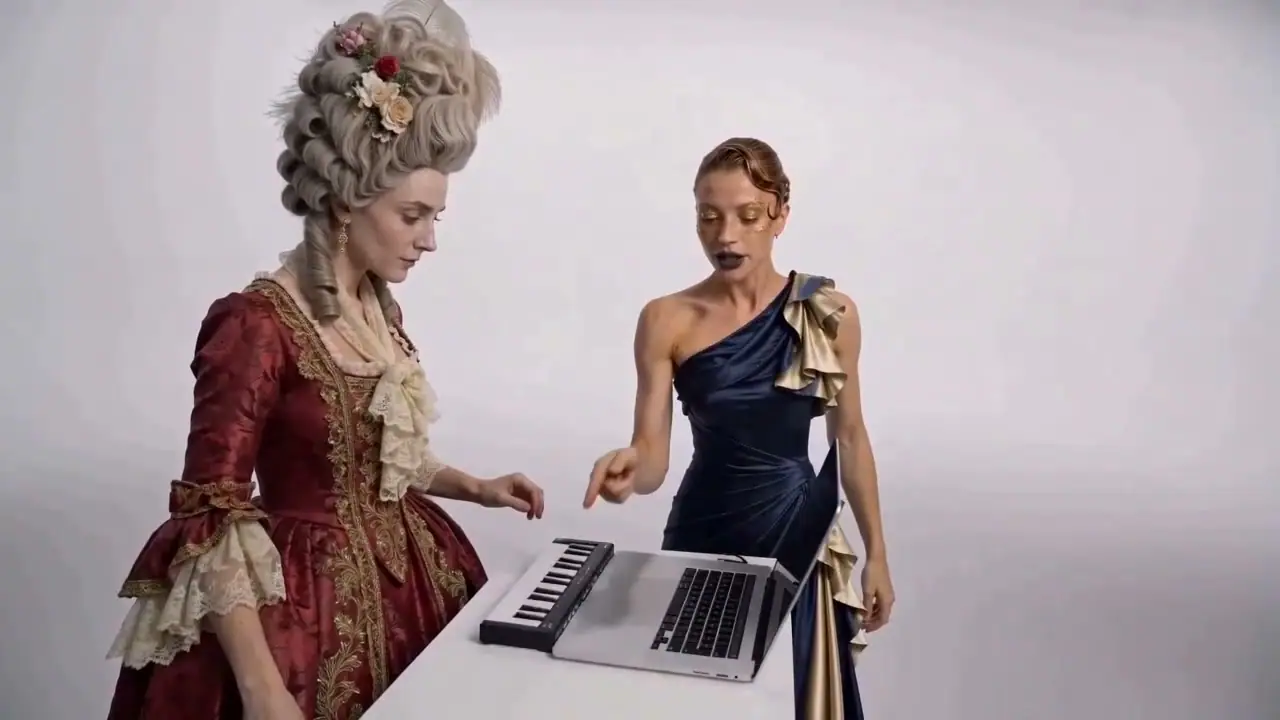
Turn two photos into a 58th Floor-style rap performance. Put yourself and a friend in the teal studio, share the hanging microphone, and make your own duo video. Upload one clear photo per person, check the credit cost, and generate. You do not need to write a prompt. Let the contrast between you carry the scene: the confident one takes a turn, the quiet one answers, and the friendship becomes the performance.

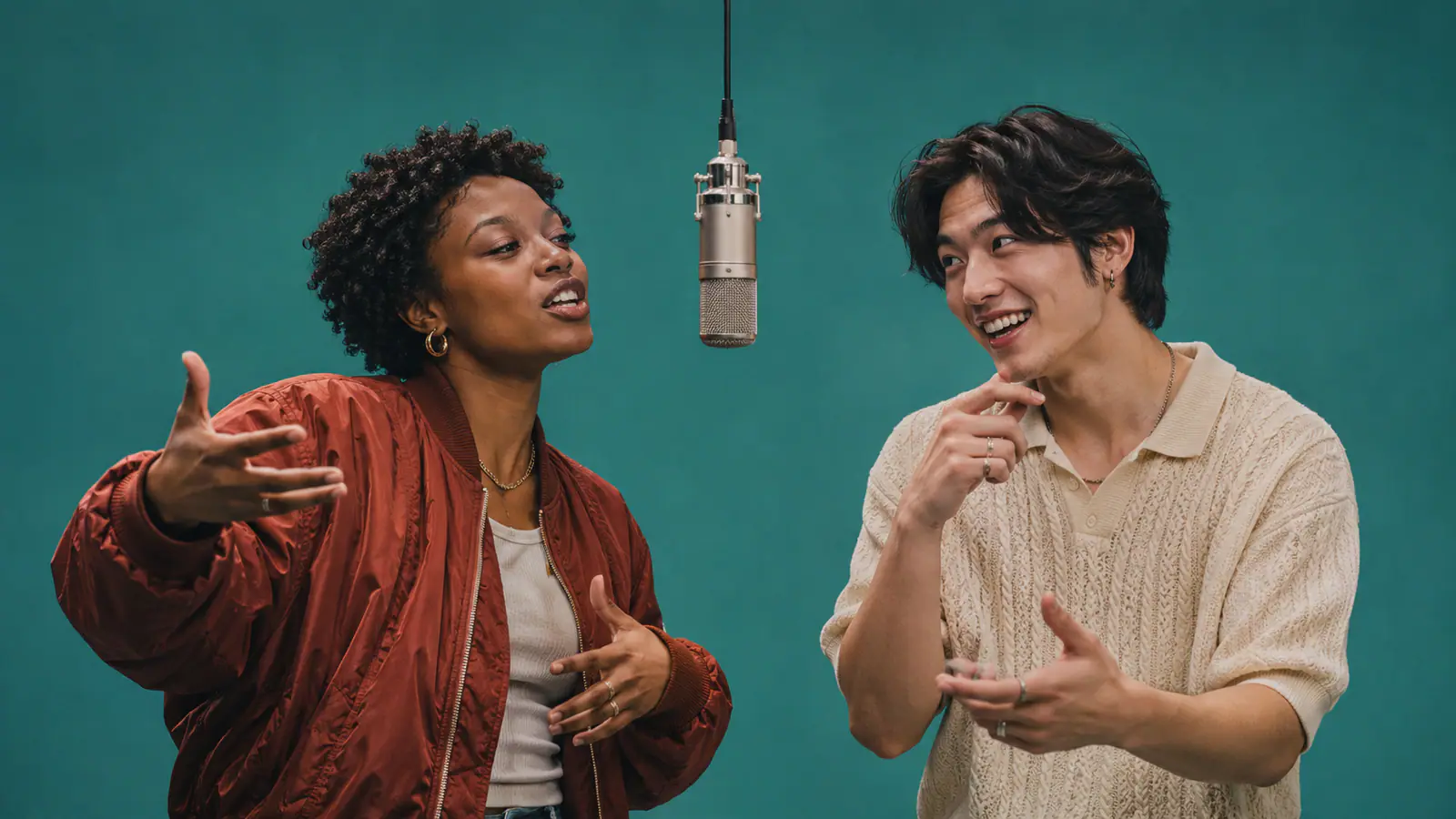
Two friends trading rap lines beneath a hanging microphone in a teal studio.

How to Make a 58th Floor AI Video

Two photos, one shared scene, and a video you can save.

Upload Your Two Photos

Choose one photo of yourself and one of your friend. Use the photo tips below to pick images where each face is easy to recognize. Sign in when the upload flow asks you to, then add the photos to the 58th Floor workspace. Check both image previews and replace any wrong selection before continuing.
Check the Settings and Credit Cost

Your video is set to 15 seconds, 720p, and a vertical 9:16 format with a preset soundtrack. Review the 10-credit cost in the workspace before generating.

Generate and Download Your Video

Select Generate after checking your photos and cost. When the video completes, play it through before saving it with Download video. Watch the exchange between the two people, including the moment the second performer responds. Keep the downloaded file for editing or sharing, and choose a caption that makes sense to the friend starring beside you.

Make Your Own 58th Floor Duo Video

Bring two personalities into the teal studio. Find a pairing that makes the performance yours, choose photos that keep both people recognizable, and check the credit cost before you generate.

Your Photos. Your Rap Performance.

The teal studio and hanging microphone make the setup familiar; the people you bring make it personal. Pair yourself with the friend who knows every song in the car, a sibling with the opposite personality, or the person who always has the last word in the group chat. The idea comes from Anderson .Paak and Cordae’s “58th Floor” performance on A COLORS SHOW, but your duo is the focus here. Think of the result as a short shared performance rather than a photo with an animated background. Choose a pairing whose reactions will be funny or recognizable to the people you plan to send it to.

Put My Duo in the Studio
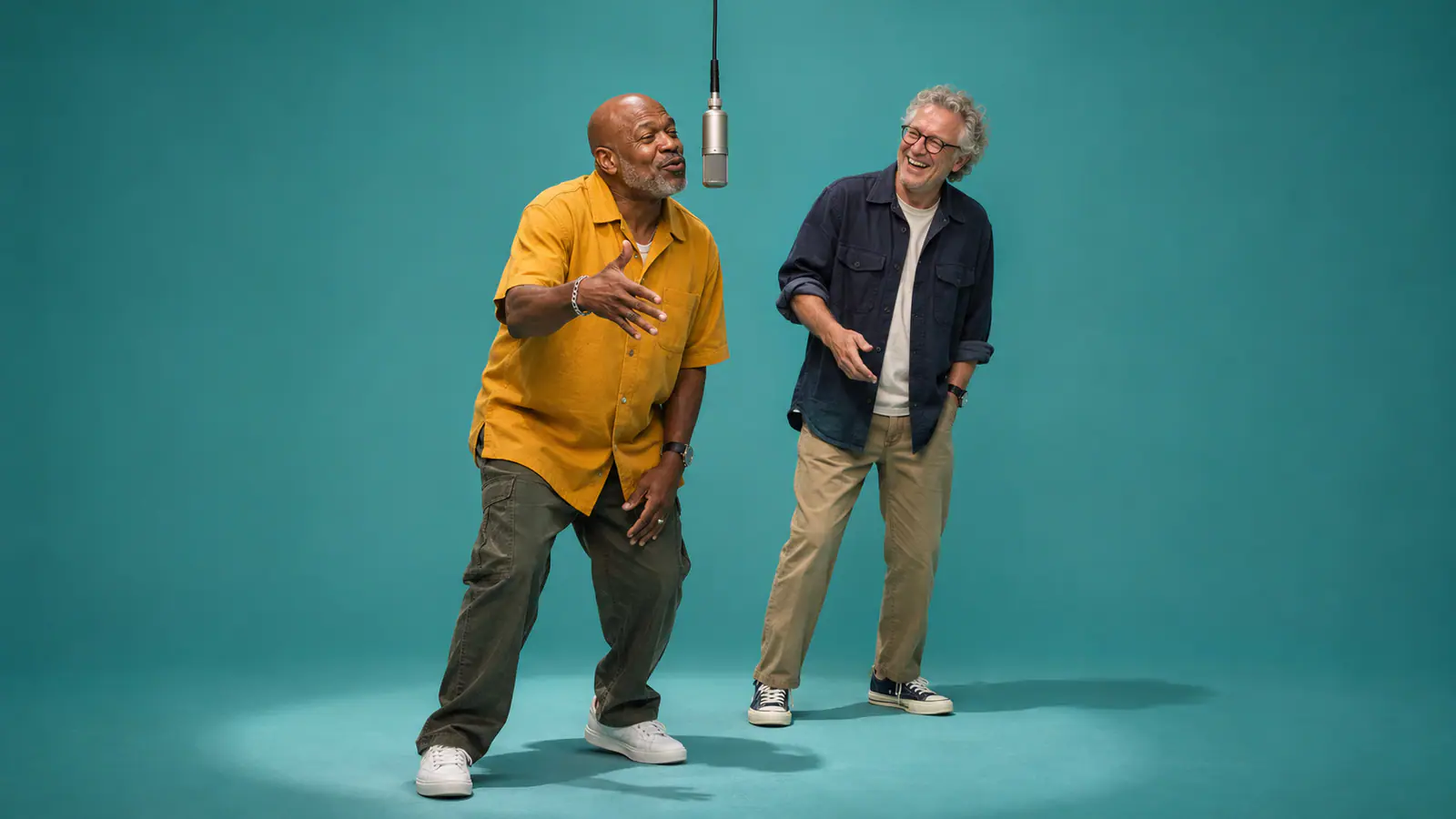
Two older friends enjoying a rap handover at a hanging microphone in a teal studio.

Pick Photos That Make You Recognizable

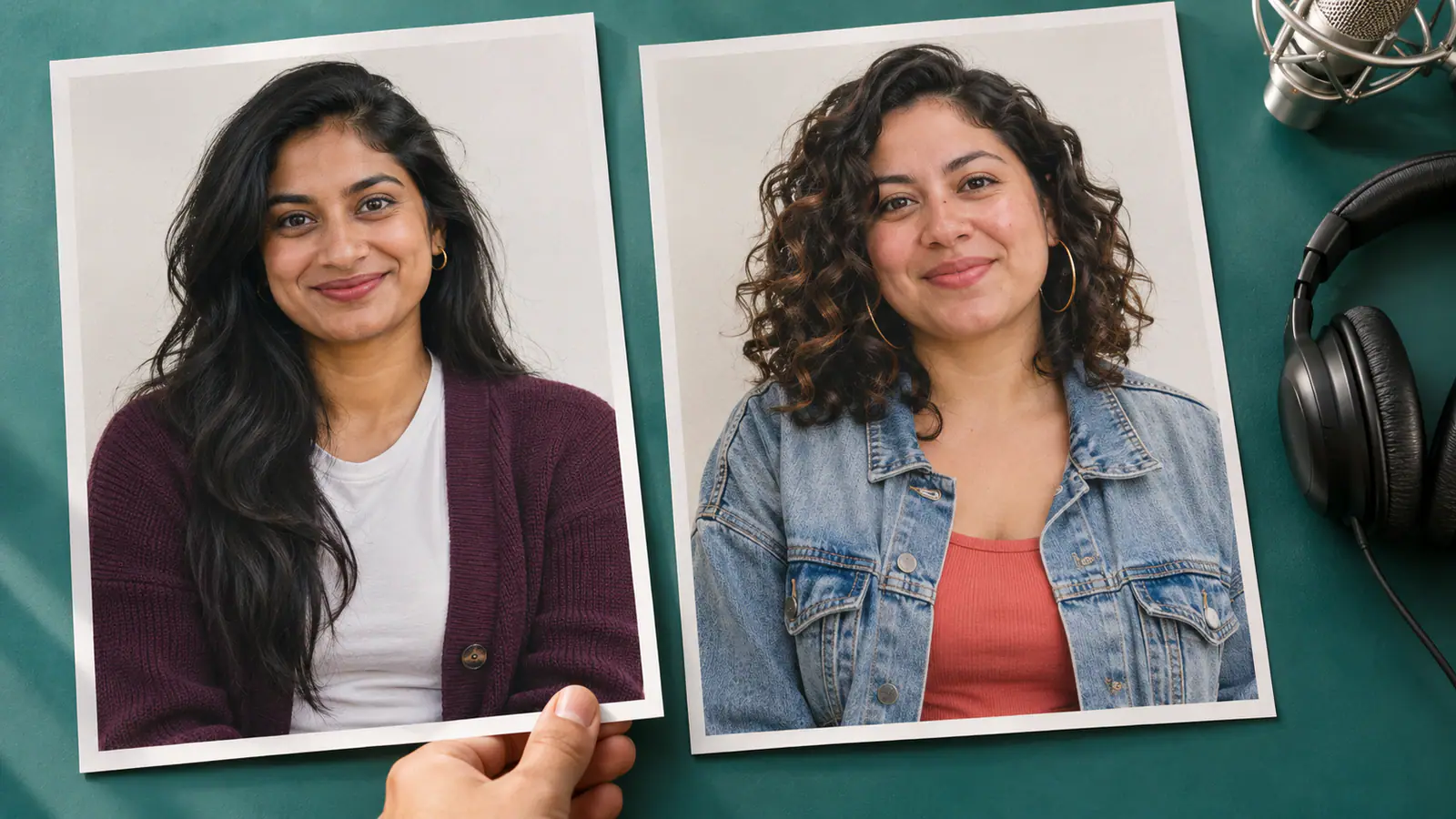
Start with individual photos in which the face is large enough to see clearly. Front-facing or gently turned portraits make it easier to judge the features before uploading. Keep the eyes and mouth visible, and avoid a hand, heavy shadow, or reflection covering them. A waist-up photo can also show the clothes you want associated with each person. If you are cropping from a group picture, remove other faces and check that the remaining portrait still looks sharp. Compare the two previews at a similar size: both people deserve a usable reference, rather than one clear portrait beside a tiny, blurred face.

Choose My Two Photos
Two clear waist-up portrait prints showing faces and clothing on a teal table.

Know the Cost Before You Generate

Your 15-second, 720p vertical video costs 10 credits. Check your balance and add credits if needed, then return here to generate your duo video.

Check My Generation Cost
Two friends reviewing their rap duo setup on a tablet in a home music corner.

What Makes the 58th Floor Look

A simple studio setup gives the duo room to be the main event.

A Teal Studio

A single-color setting keeps attention on the performers instead of a crowded stage. The recognizable teal look gives the clip its visual connection to the trend. Leave the story to your faces, outfits, and interaction; the setting supplies the backdrop rather than a separate plot.

One Hanging Microphone

The microphone gives the two people a shared point in the scene. It makes the image read as a performance even without a large stage or audience. When reviewing the result, look for a clear composition in which the mic and both performers are easy to distinguish.

A Back-and-Forth Duo

The exchange matters as much as the person taking the lead. A nod, a grin, or a turn toward the other performer can make the clip feel like a moment between friends. Watch both people through the video, including the one listening, when choosing the take you want to share.

A Video to Keep and Share

Save the completed video before preparing a post. Your downloaded copy gives you a starting point for adding a caption or choosing a soundtrack in an editor. For a personal touch, write a line about the relationship, such as “Our group chat finally got studio time.”

Before You Make Your 58th Floor Video

Photo choices, the rap duet setup, and music for your 58th Floor video.

Yes. Use one clear photo showing both of you, or upload a separate portrait for each performer. In a shared photo, keep both faces and upper bodies visible so the left and right performers are easy to distinguish.

No prompt writing is needed. The effect provides the teal studio, hanging microphone, and rap duo performance. Add your photos and review the fixed video settings and credit cost in the workspace.

Make Your Own 58th Floor Duo

Choose the friend you want beside you at the mic. Bring your two photos to the 58th Floor workspace, check the cost, and turn your pairing into a performance worth sending back to the group chat.