

AI Zombie Trend Video Generator
Join the AI zombie trend with two portraits or one shared photo. Create a zombie hug video where one person recognizes their infected loved one, lowers the gun and opens their arms. The reunion then shifts into a warm, imagined happy ending with both of you in it.
- Choose two portraits or a photo of both of you.
- 15 seconds
- 720p video
- 9:16 portrait
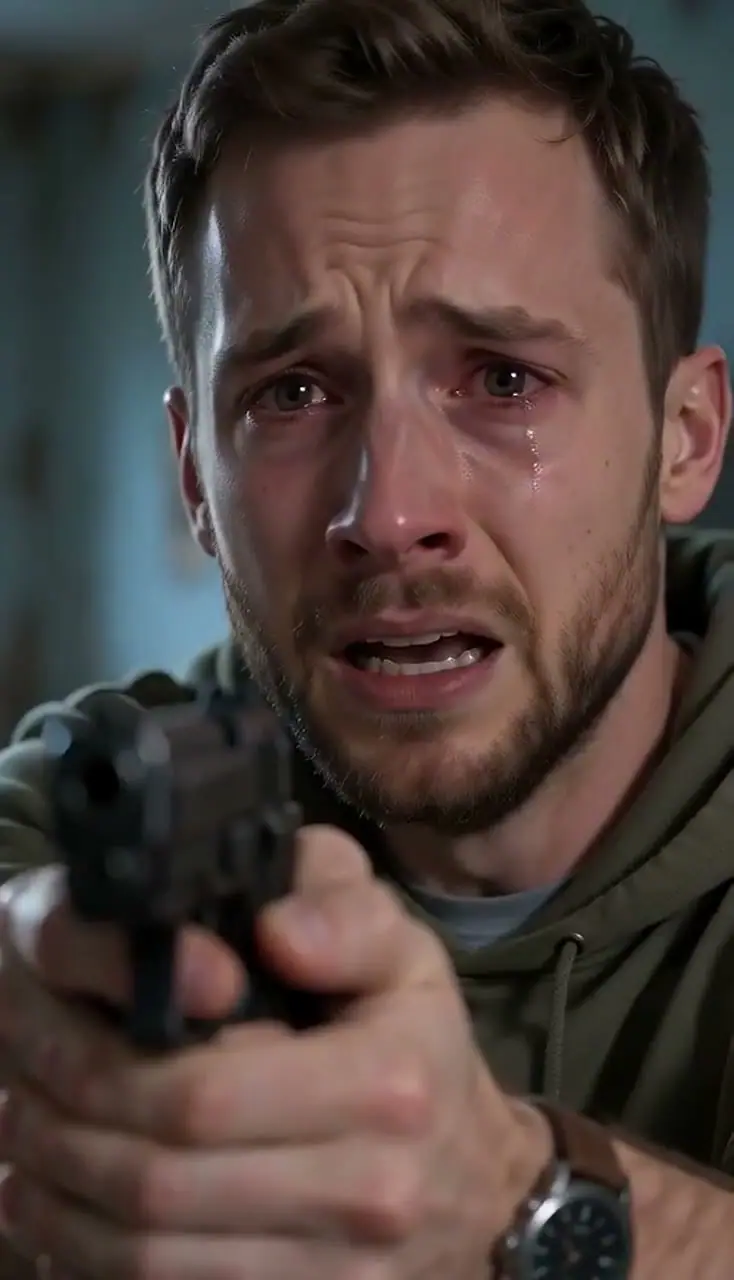

Photo 1 — The Human
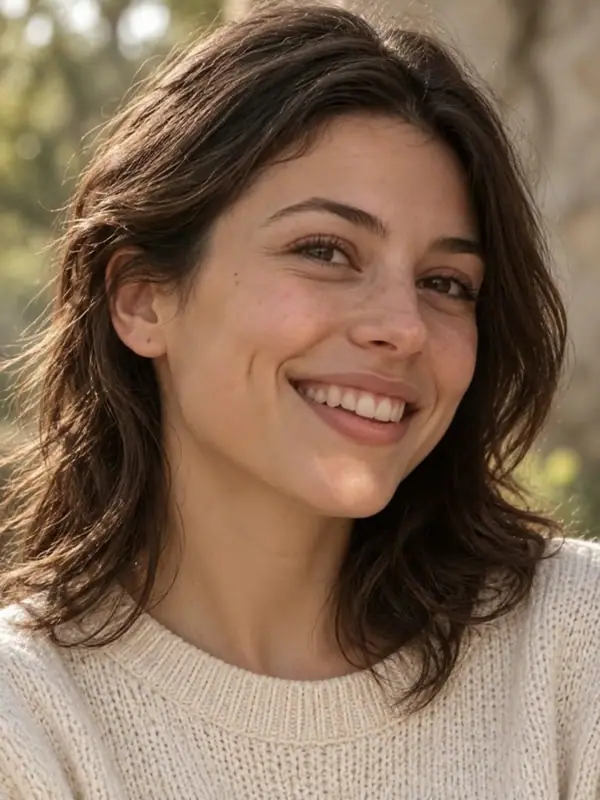
Photo 2 — The Zombie
How to Make an AI Zombie Trend Video
Choose Your Two Leads
Upload a clear portrait for each role, or one photo of both people. Put the human first and the person who turns second. For a shared photo, keep both faces visible and check the left and right roles before creating.
Generate Your Reunion
Select “Generate Our Zombie Video” to begin. The encounter, reunion and warm ending are arranged for you, so you can go from choosing your people to watching their story without writing a script or assembling scenes.
Watch, Download and Share
Play the whole reunion with sound, then download your video. Send it privately with a line only the two of you would understand, or post your AI story for friends. A simple “I’d still choose you” can give the ending a meaning of its own.
Picture Someone You Know in That Hug
Watch how the same choice feels in three different settings: a couple’s reunion, an embrace in the snow, and a warmer moment in the fields. As the tension gives way to affection, think of the person you would put beside you. Their face is what makes your version worth sending.
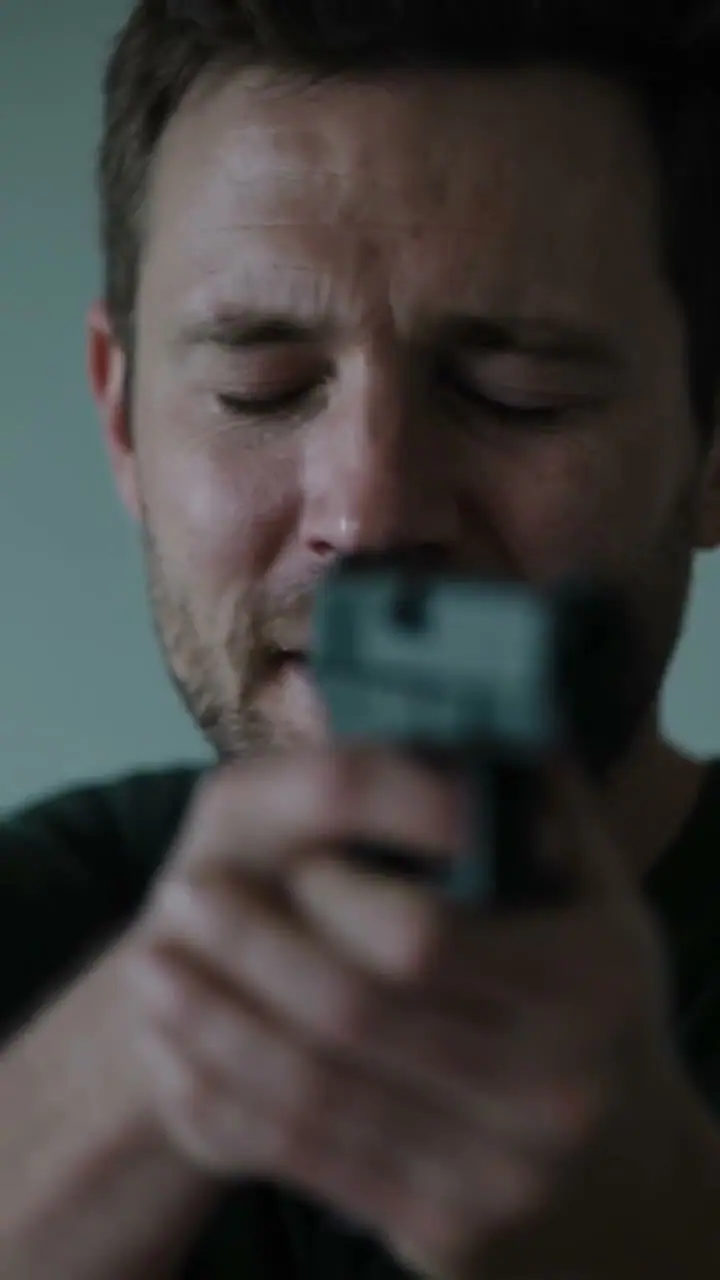
A reunion in the snow
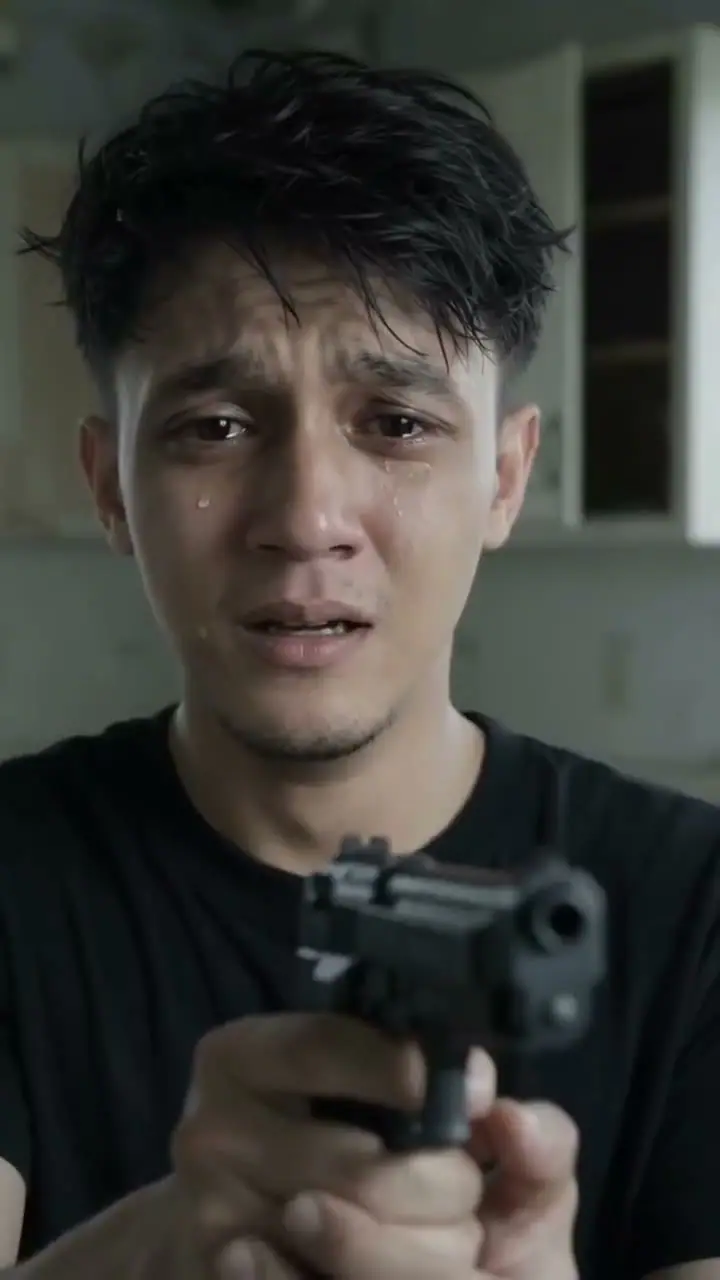
A reunion in the field
Four Moments in Your Zombie Reunion
The story moves from fear to recognition, from reaching for each other to a moment when the world feels ordinary again. Here is the emotional turn your two characters step into.
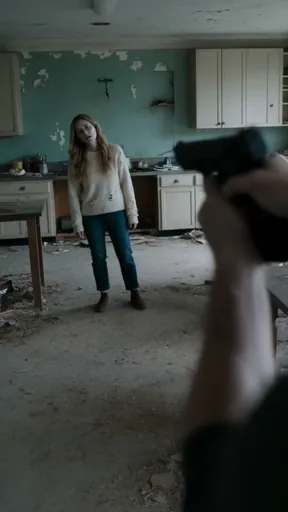
A Familiar Face at the Door
The survivor faces someone they should be afraid of, with a weapon between them. Then they see who has come back. Put someone close to you in that doorway, and the opening becomes a question: could you really walk away?
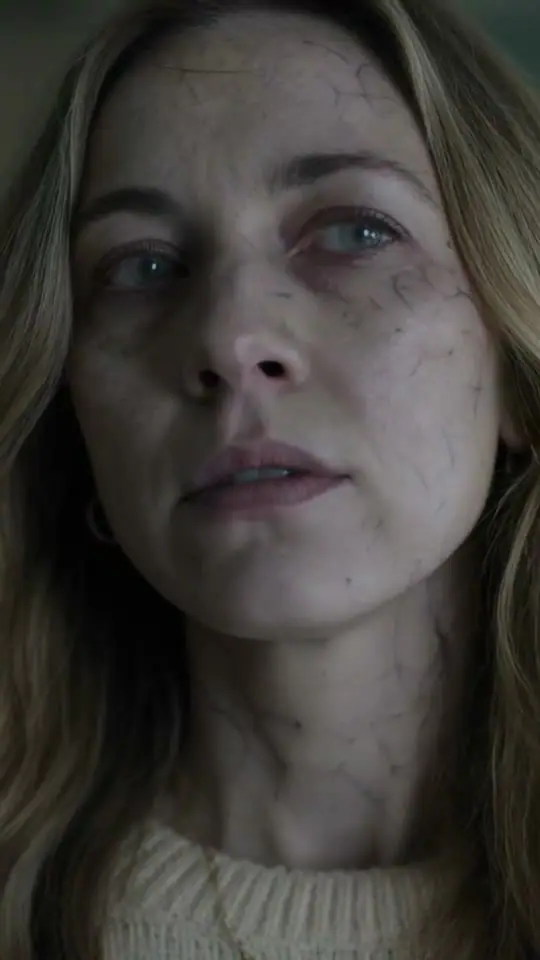
The Face You’d Know Anywhere
The frightening appearance gives way to a face they know. The survivor lowers the gun and opens their arms. This is the choice at the center of the zombie love story: recognizing the person you care about before seeing the thing they have become.
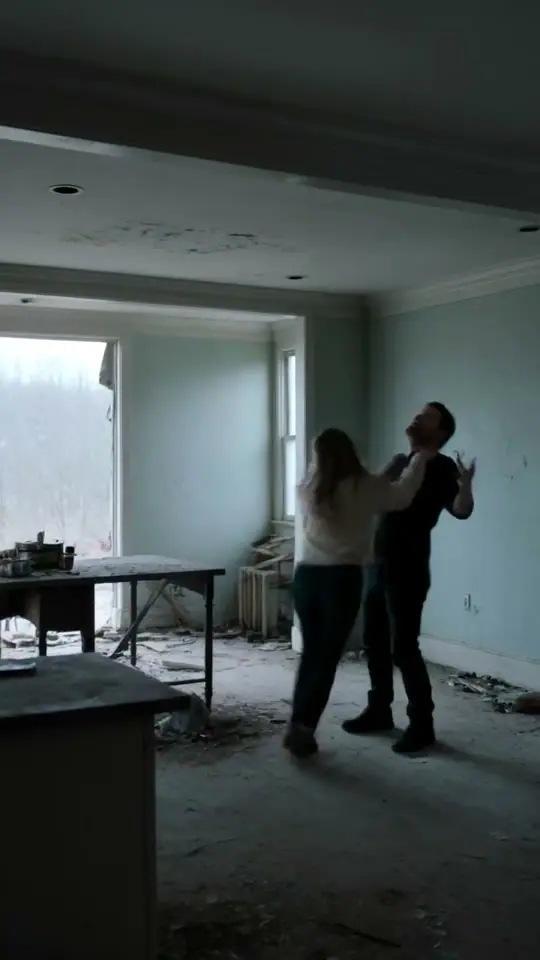
A Hug That Says “I’d Stay”
One person moves closer; the other chooses to stay. The rush toward an embrace turns a frightening encounter into a reunion. With familiar faces in those roles, the hug can become your answer to “Would you still come back for me?”
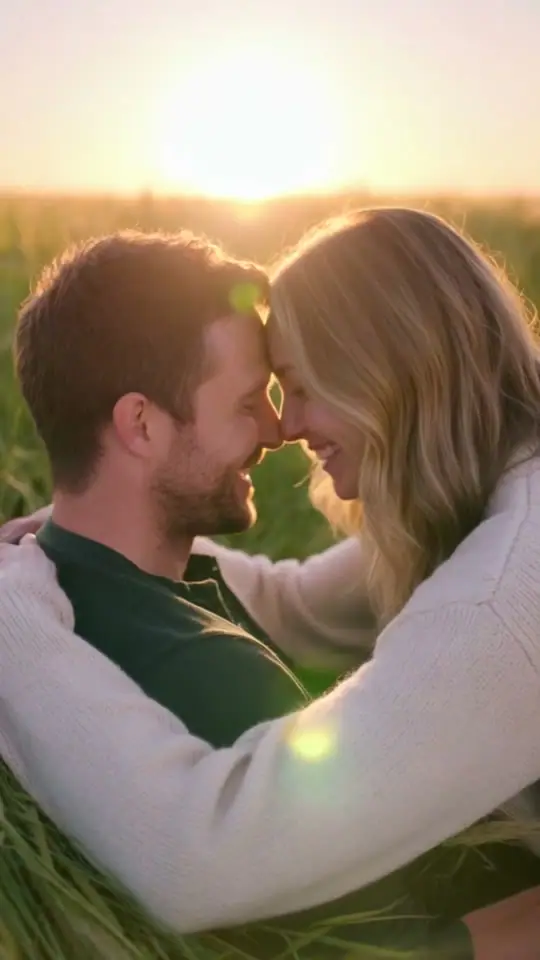
One More Ordinary Day Together
As the characters come together, the scene shifts into warm light and both appear human again. It is an imagined happy moment: the chance to smile, hold each other and spend a little longer together. The quieter ending gives the opening its emotional weight.
Choose Photos That Show Their Everyday Face
Start with a photo you would recognize in a message from them: a clear face, a familiar expression and their everyday look. These small choices give each character a better starting point.
- Keep the Face Easy to See
- Choose a well-lit photo with visible eyes and an expression you know. Soft daylight can make facial details easier to see. Avoid hair covering the eyes, dark sunglasses and deep shadows.
- Keep Both Faces Clear
- Leave space around each head and shoulder when you crop. For separate portraits, keep one main subject in each image. For a shared photo, include both complete faces so each person has a clear place in the story.
- Choose Similar Angles
- For separate portraits, look for faces photographed from a similar angle and distance. Two photos showing the face and shoulders make a useful pair. A front-facing or gently turned pose keeps the starting references easy to read.
- Start with Their Usual Look
- Use the face their friends would recognize: everyday clothes, natural detail and a familiar expression. You can leave the costumes and zombie makeup to the story. A favorite ordinary portrait can make the reunion feel more personal than a staged horror photo.
Who Belongs in Your Zombie Love Story?
Give the reunion someone to belong to. It can answer a partner’s teasing question, continue a joke with your best friend, or open a conversation with a sibling you miss. Choose the relationship first, then let the ending carry your message.
For the Partner Who Asks “Would You Still Love Me?”
They ask, “Would you still love me if I turned into a zombie?” Give the familiar question a scene of its own. Cast your partner as the zombie and yourself as the person who lowers the gun. Send it with “You already know my answer.” What begins as teasing becomes a small love letter with both of you in it.
Make Our Love StoryFor Your Apocalypse-Planning Best Friend
They have the escape route, the supplies, and a confident theory about who would survive. Cast them as the zombie and yourself as the friend who ruins the plan by refusing to leave. Send it with “Great plan. Still coming back for you.” The joke belongs in your group chat; the hug says something you might usually hide behind another roast.
Create Our Apocalypse ReunionFor the Sibling You Don’t See Enough
Your messages have become quick updates, a funny link, and another promise to meet soon. Put your sibling opposite you in a reunion neither of you would normally film. Send it with “Even at the end of the world, you’re not getting rid of me.” Let the imagined embrace start a longer conversation—and perhaps give you a reason to put a real visit on the calendar.
Make a Video for My SiblingWhy the Zombie Hug Hits So Hard
The AI zombie trend puts a familiar question inside a frightening scene: would you still choose someone if they changed beyond recognition? The person at the door is someone you call when things go wrong, laugh with over nothing, or wish you could see more often. That familiarity gives the lowered gun its meaning. You are watching a decision about a relationship, expressed through a gesture anyone can understand.
The warm scene gives that choice somewhere to go. As the two characters move to embrace, the story imagines a moment when they can be ordinary people together again. The contrast between cold tension and warm light makes the reunion feel like a brief return to safety. Add your own faces and a short message, and the video becomes a way to say something specific: “I miss you,” “I’d stay,” or “I’d know it was you.”
Choose Your Video Pack
One-time payment • No recurring charge
Starter
1 standard video · 10 credits
$7.99
≈ $7.99 / standard video
- Upload photos to create your video
- Download & share your videos
- Credits never expire
- One-time payment
- Credits returned for failed generations
Basic
Save 17%3 standard videos · 30 credits
$19.99
≈ $6.66 / standard video
- Upload photos to create your video
- Download & share your videos
- Credits never expire
- One-time payment
- Credits returned for failed generations
Plus
Save 25%5 standard videos · 50 credits
$29.99
≈ $6 / standard video
- Upload photos to create your video
- Download & share your videos
- Credits never expire
- One-time payment
- Credits returned for failed generations
Choose Your Next Photo Story
Try another video effect with someone you know.
Photo Stories & Video Ideas
Find photo tips and ideas for the next story you want to share.
Best 2-Photo AI TikTok Trends for Couples & Pets: From Smalltown Boy Dance to the Zombie Hug
Turn the same two photos into a funny Smalltown Boy duo dance or an emotional zombie hug story. Compare the best 2-photo AI TikTok trends for couples, friends, dogs, and cats.
Oct 15, 2026Jamie Cole
How to Post a Smalltown Boy AI Video
Download your Smalltown Boy AI dance video and share it on TikTok, Instagram Reels, or YouTube Shorts, with caption ideas and a simple posting checklist.
Oct 13, 2026Jamie Cole
Smalltown Boy AI Video Ideas: 10 Duos to Try
Explore 10 Smalltown Boy AI video ideas for friends, couples, families, coworkers, cats, and dogs, with photo choices, role swaps, and caption tips.
Oct 13, 2026Jamie Cole
Smalltown Boy AI Video Troubleshooting Guide
Troubleshoot Smalltown Boy AI photo uploads, credits, video generation, and downloads. Find your next step, protect your balance, and get help when needed.
Oct 13, 2026Jamie Cole
Smalltown Boy Dance Song: Bronski Beat, Meaning & AI Videos
Find Bronski Beat’s 1984 Smalltown Boy, sung by Jimmy Somerville. Watch the official video, understand the song’s meaning, and explore the AI dance version.
Oct 13, 2026Jamie Cole
What app makes those Smalltown Boy AI dance videos?
Compare Smalltown Boy AI, CapCut, Viggle, and Runway, and choose the right app to make a dance video from photos, a motion reference, or existing footage.
Oct 12, 2026Smalltown Boy AI
Smalltown Boy AI vs. CapCut Templates: Which Workflow Fits the Scream-and-Swap Dance?
Decide whether a CapCut template or a dedicated photo-to-video generator makes more sense for a Smalltown Boy-style scream-and-swap dance.
Oct 12, 2026Smalltown Boy AI
Best Photos for Smalltown Boy AI Dance
Choose the best photos for Smalltown Boy AI dance: compare two portraits with one duo photo, match crops and lighting, and set the opening role.
Oct 12, 2026Smalltown Boy AI
Smalltown Boy AI Prompt: Copyable Examples and Model Settings
Copy Smalltown Boy AI prompts for cats and pets, compare reference edits with image-to-video, and configure Seedance 2.5 or Runway Gen-4.5.
Oct 12, 2026Smalltown Boy AI
How to Make a Smalltown Boy AI Dance Video
Learn how to make a Smalltown Boy AI dance video from two portraits or one duo photo. Choose the role order, generate the dance, and review it before sharing.
Oct 11, 2026Smalltown Boy AI
Smalltown Boy AI Dance Trend: The Screaming Duo Explained
Explore the Smalltown Boy AI dance trend, its original screaming duo, Bronski Beat soundtrack, and how AI remakes preserve the performance.
Oct 11, 2026
AI Zombie Trend Questions
It is an AI video story about recognizing someone you love after they have become a zombie. One character lowers the gun and chooses an embrace; the scene then shifts into an imagined happier moment. Here, you can put your own two characters in the story using separate portraits or one shared photo.
No. You can upload separate portraits or use one photo with both people. Choose clear faces, whether your photos were taken together or in different places.
With separate portraits, put the human in the first slot and the zombie in the second. With a shared photo, the left person stays human and the right person becomes the zombie.
The ending is an imagined happy moment for the two characters. Portraits can provide their appearance; the setting and action belong to the AI-created story.
No. Clear portraits or a photo with both people are enough. The approach and embrace are part of the generated story. Choose photos where the faces are easy to see; you can use pictures taken in different places.
No. The story already includes the encounter, recognition, embrace and warm ending. Add your photos to the two roles and generate. You can focus on who belongs in the reunion rather than writing the scenes or finding a video template.
Yes. The story pairs the tense encounter with atmospheric sound, then brings in instrumental music for the warmer reunion. Play the examples with sound to hear the change in mood, and turn the sound on when you watch your own video.
Each zombie video costs 10 credits. Check the quote in the workbench before you generate. The Pricing section shows the available credit packs, so you can choose a pack for the stories you want to make.
You Probably Already Know Who You’d Choose
Find their favorite photo and one of yours—or that picture you keep of the two of you. Give them a reunion that says what a quick message sometimes cannot. Make your zombie hug, then send it with your own version of “I’d stay.”