

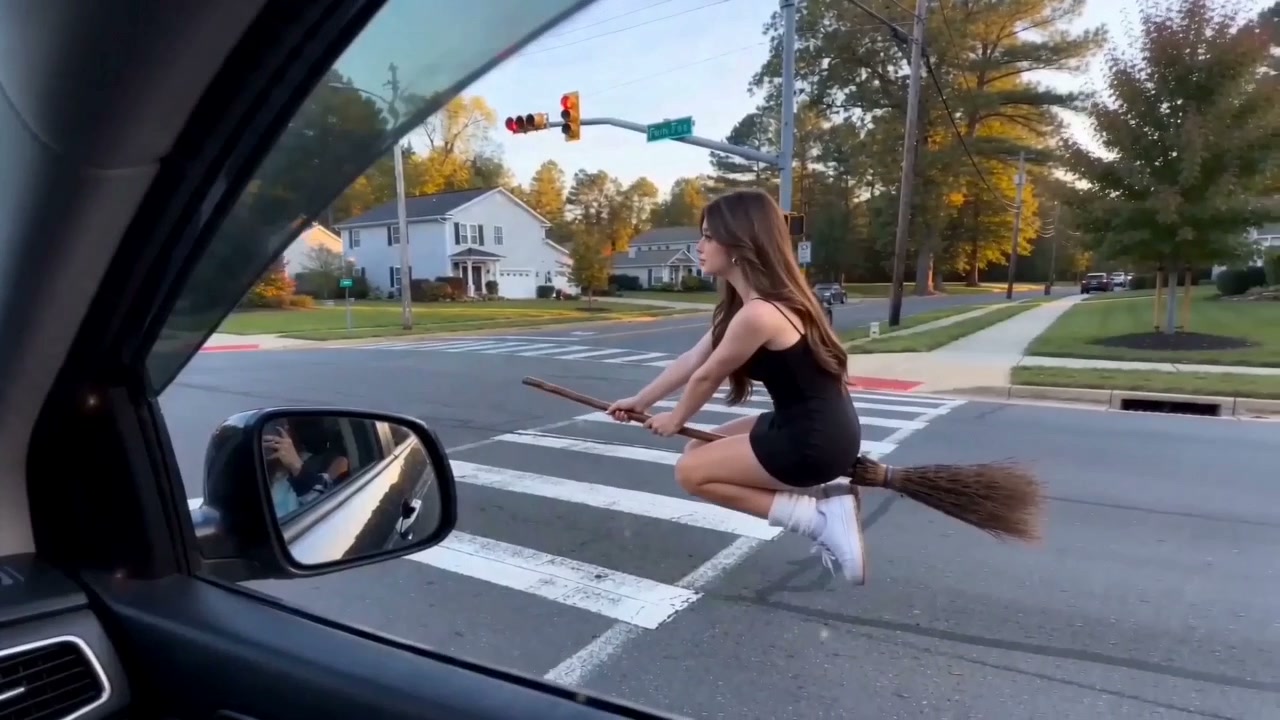

An ordinary street. An extraordinary ride.
My Ride Is Here AI Video Generator
Everyone else is waiting for a ride. You brought a broom. Turn one photo into a flying broom video: pull up beside a car, give the camera a knowing look, and ride away as if this is your usual way home.
- One photo · One broom rider
- Preview soundtrack included
- 6 seconds · 720p · 16:9
How to Make a My Ride Is Here AI Video
Choose Your Photo
Add a clear photo of yourself or a friend who has said yes. Keep the face and some clothing visible. Everyday clothes work; the broom is already part of the scene.
Create the Car-Window Broom Ride
Sign in, check the credit quote, and select Create My Broom Video. Your photo becomes the rider in the car window scene, with the ride and soundtrack already selected.
Watch Your Getaway and Share the Joke
Play the whole video with sound and check the rider’s face and movement. Download the clip, add your own caption when posting, and send it to someone who will get the joke.
See the My Ride Is Here Flying Broom Trend
One rider joins the scooter traffic. Another pulls up beside a car as if a broom is a perfectly normal ride. Picture the friend who would do this without blinking, then upload their photo to create the car-window version.
What Makes Your Flying Broom Video Worth Sharing?
Put Yourself in the Punchline
The joke works best when the rider is someone you recognize. Use your photo to put a familiar face on the most unexpected way to get around town.
Make the Impossible Look Casual
The street is ordinary. The view from the car is ordinary. Your ride absolutely is not. That contrast lets the broom deliver the joke before you explain a thing.
Skip Filming the Stunt
No broom, camera crew, or filming needed. Upload one clear photo to put your character into the car-window broom ride with music.
Give Your Group Chat a New Running Joke
“My ride is here” becomes a reply for the next time someone is late, ready to leave, or asking for a lift. A familiar face makes the clip something your friends can keep bringing back.
Which Photo Works Best for a Flying Broom Video?
- Keep Your Face Clear
- Choose a photo with natural light and a face that is not covered by sunglasses, hair, or strong shadows. The rider turns toward the camera, so facial detail matters more than a complicated background.
- Show Some of Your Outfit
- A half-body or full-body picture gives more information about clothing and proportions than a tight face crop. Keep your outfit visible so the seated broom rider has a clear appearance to follow.
- Use One Main Subject
- Avoid crowded group shots, heavy beauty filters, and very small screenshots. A single recognizable person is easier to follow through a fast-moving broom ride.
- Choose a Photo You Can Share
- Use your own picture or ask the person for permission. Choose an image you would be comfortable showing in a playful AI video, and review the face before posting.
Funny Ways to Use the My Ride Is Here Trend
Same broom ride, different reason to leave. Pick the person and add a caption when you share; these ideas give the car window scene your own meaning.
The Exit Everyone at Work Understands
The day is done. Someone says, “One last thing.” Your ride is already here. Cast yourself as the rider and send the clip to the colleague who knows exactly why you are leaving.
Make My After Work EscapeYour Friend’s Secret Witch Life
Pick the friend nobody would suspect and reveal their unusual commute in the Halloween group chat. “So that’s how you get home.” Everyday clothes make the secret identity even funnier.
Reveal Our Secret WitchA Goodbye with Absolutely No Explanation
For the person who always slips out of the chat or leaves the party early: a glance at the camera, then off they go. Share it with “Anyway, I’m leaving” and let the broom finish the sentence.
Make My Dramatic GoodbyeThe Friend Who Is Always “On the Way”
You have heard “I’m nearly there” before. This time, give that friend a ride worthy of the excuse. With their permission, use their photo and share the clip with “Found a shortcut.”
Give My Friend a ShortcutWhy Is the My Ride Is Here Broom Trend So Funny?
The My Ride Is Here broom trend turns an ordinary pickup into an impossible commute. Someone rides a flying broom beside a car or through traffic, treating it like a bike or taxi. The joke is how little anyone seems to question it.
The look toward the camera makes it personal: “Yes, this is my ride. What about it?” The scene becomes funnier when you recognize the rider as the friend who always has an excuse, the colleague ready to go home, or yourself on a very long day.
You do not need a whole witch story to join in. A familiar face, an ordinary outfit, and a caption like “My ride is here” are enough to give the getaway its meaning. The car window version here keeps that everyday mood: one knowing look, then away you go.
Try Another Viral AI Video Trend
Explore another photo-to-video trend and compare its scene and photo requirements.
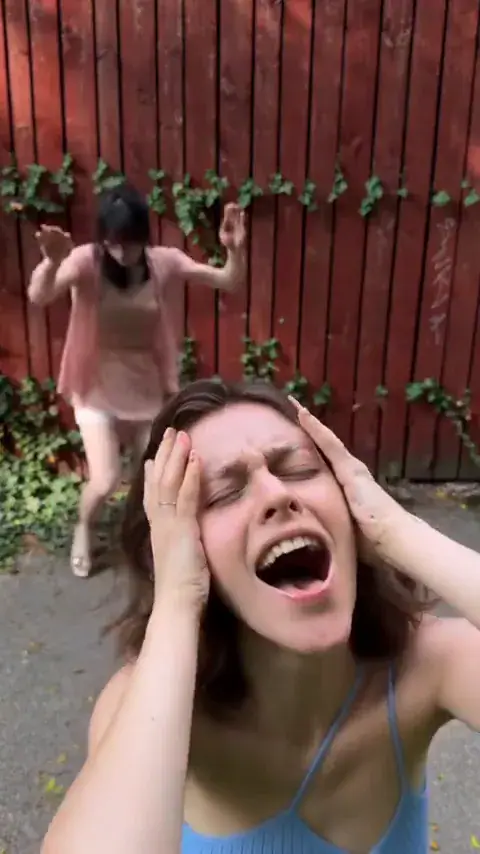
Smalltown Boy AI Dance
A dramatic two-character routine built around camera close-ups, switching roles, and dancing together.
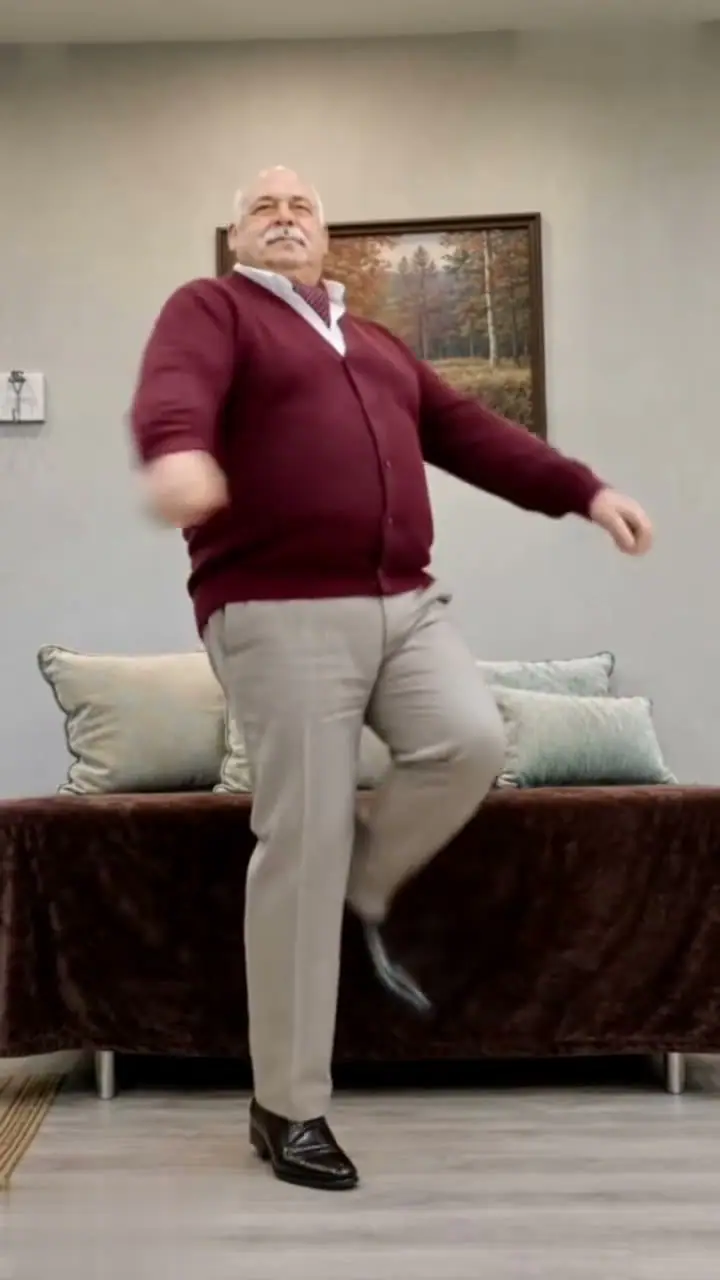
Toc Toc AI Dance
A playful hop-and-knock dance inspired by the French song “Toc Toc,” with one dancer taking the spotlight.

Bulin 47 AI Freestyle
Step into a lively street freestyle with expressive gestures and a speaker-led performance.
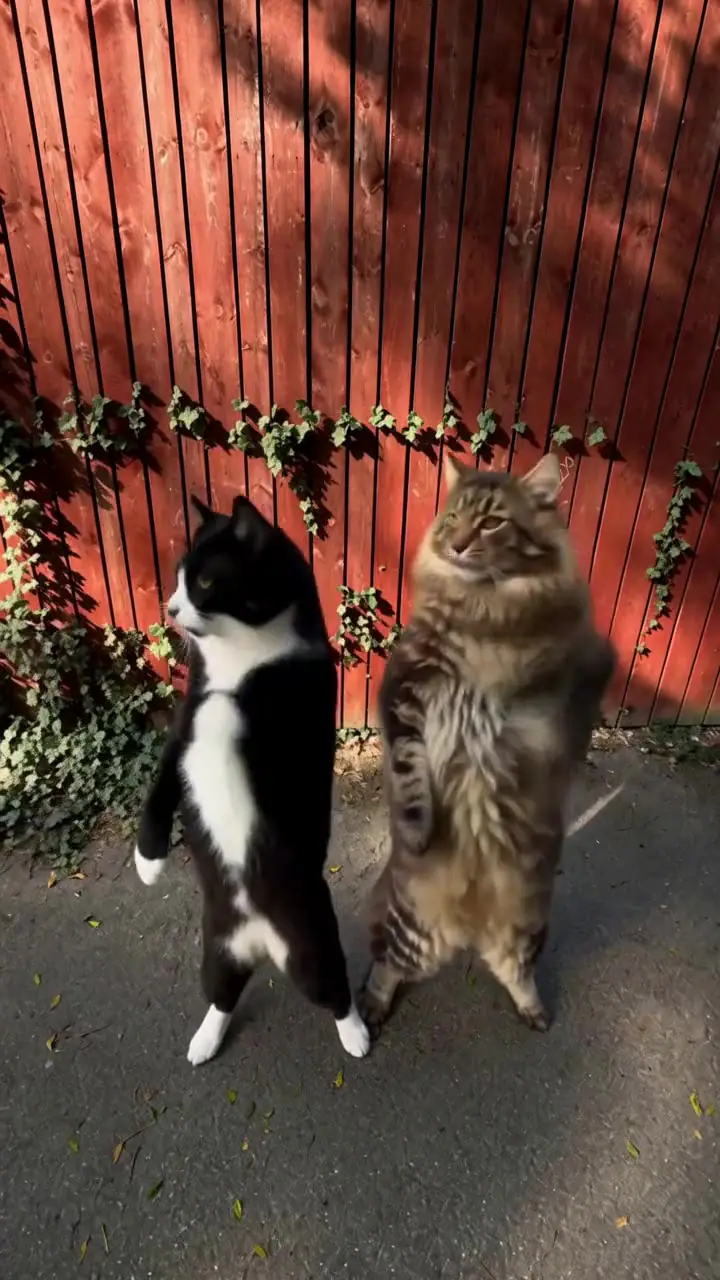
Smalltown Boy Cat Dance
For a different kind of two-character joke, watch cats take turns in the dramatic scream-and-dance routine.
My Ride Is Here AI: Frequently asked questions
It is a short AI broom riding video joke. A person appears beside normal road traffic, looks toward the camera, and rides away on a flying broom, as if that is their everyday transportation.
Upload one clear photo in the workbench, sign in, and check the credit quote. Create My Broom Video uses the selected car-window scene to make a six-second horizontal ride. Review the result and download it when ready.
No. The broom is part of the video concept. Regular clothes often make the joke funnier because everything looks ordinary except the ride.
Use one clear photo with a recognizable face and visible clothing. A half-body or full-body photo provides more information about the rider’s outfit and seated posture than a very tight crop.
“My ride is here” lets the picture do the work. For a personal twist, try “Found a shortcut,” “Anyway, I’m leaving,” or “No lift needed.” Add the caption in your social app or video editor after downloading.
Yes. Your six-second car-window broom ride includes music. Turn on the preview sound to listen before creating. Use audio you are allowed to share on your chosen platform.
No. Create the broom ride here from one photo using the included car window scene. After downloading, you can use CapCut or another editor to add captions or arrange the clip for your post.
Start with a sharp photo in natural light, with one person and an unobstructed face. A picture showing some clothing helps define the rider’s appearance. Watch the full result and check the face, hands, and seated pose before sharing.
Each six-second broom ride costs 9 credits. Sign in and check your balance and the workbench quote before creating. The Pricing page shows the current credit packs.
No. Upload one photo to create the six-second, 720p, horizontal car-window broom ride. The scene and movement are built in, so you do not need to upload a video or write a prompt.
Yes, with their permission. Choose a recognizable photo and a joke they would enjoy. Let them see the finished ride before sharing, and label the clip as AI when you post.
You Know Who Belongs on That Broom.
The friend with the best excuses. The colleague who leaves right on time. Maybe you. Pick a photo and turn “My ride is here” into a joke they will recognize.