
Ghost Filter Prank AI – A Ghost Appears Behind You
Start with an ordinary photo of yourself or a friend. Watch a long-haired, white-eyed ghost slowly creep up behind their shoulder while they carry on as if nothing is there. Turn the moment into a spooky prank video worth sharing.
- One photo. No filming. Just an unexpected guest in the background.
How to Make a Ghost Filter Prank AI Video
Pick an Everyday Photo
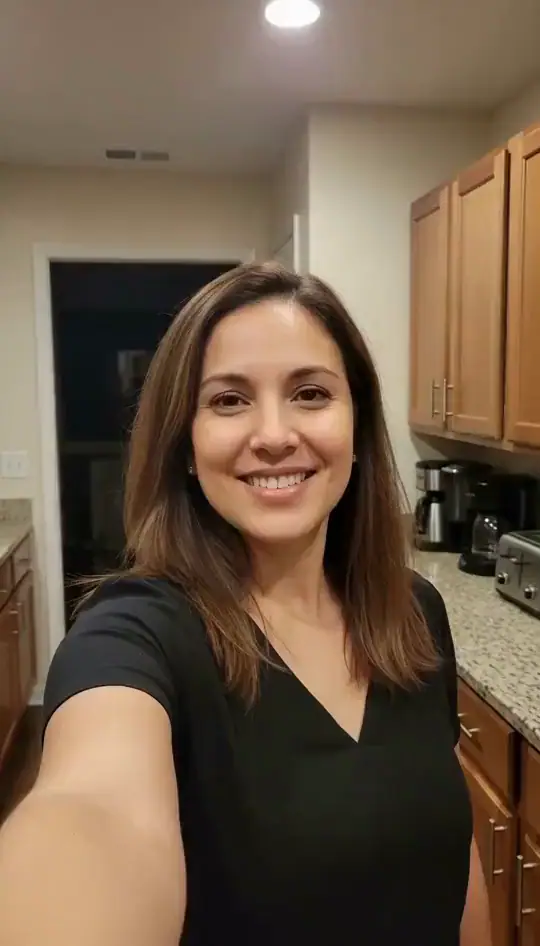
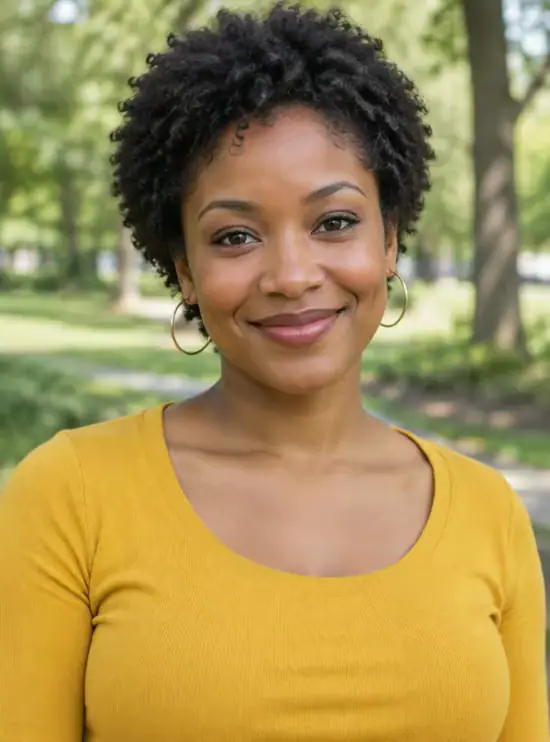
Choose a selfie or portrait of yourself or a friend who wants to join the prank. A relaxed expression and a little visible background make the ghost's arrival more surprising.
Let the Ghost Appear
Upload the photo and choose Create Ghost Prank Video. The AI turns the still picture into a short scene where a strange, pale-eyed visitor creeps into view behind the person. You don't have to write a prompt or record a live prank.
Watch, Save, and Share the Surprise
Watch how the reveal plays out, then save your video. Send it to a friend, share it in a group chat, or show it to the person in the photo and enjoy their reaction. If you record their response, ask before posting it.
Watch the Ghost Reveal
Whose selfie would make you look twice? Picture a ghost appearing behind a familiar face, then choose a photo for your own reveal. Third-party reference clips.
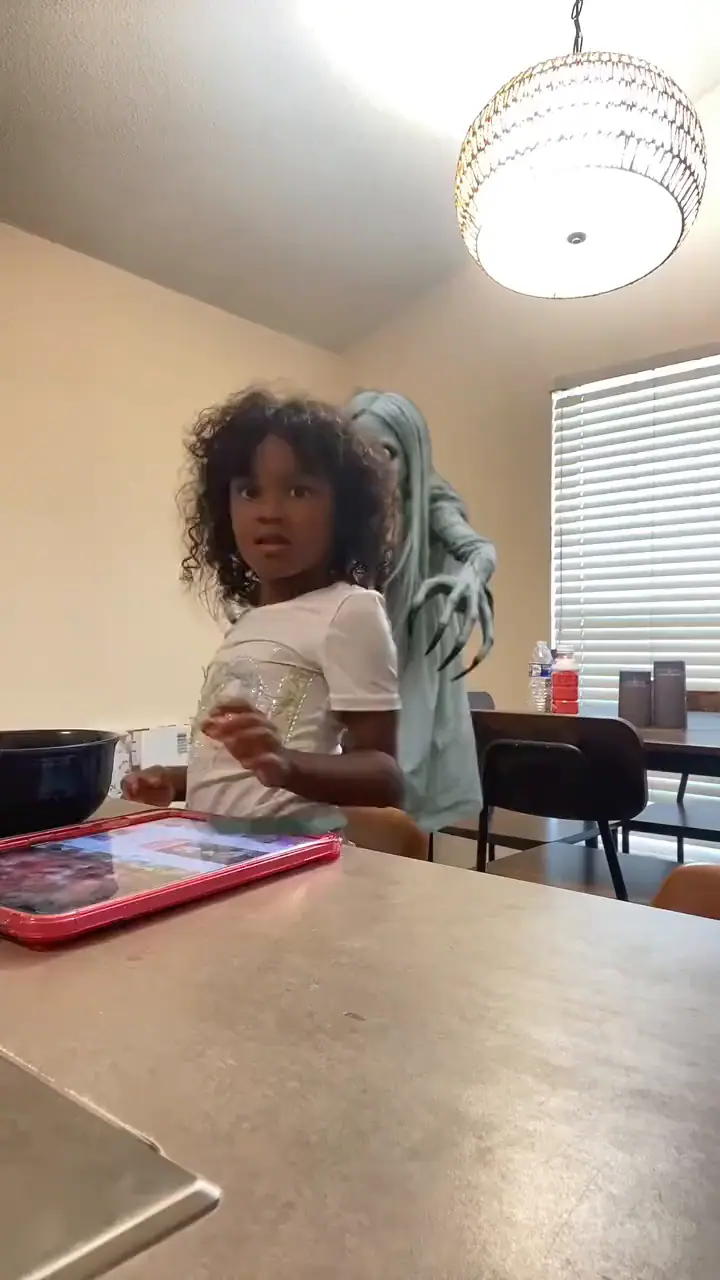
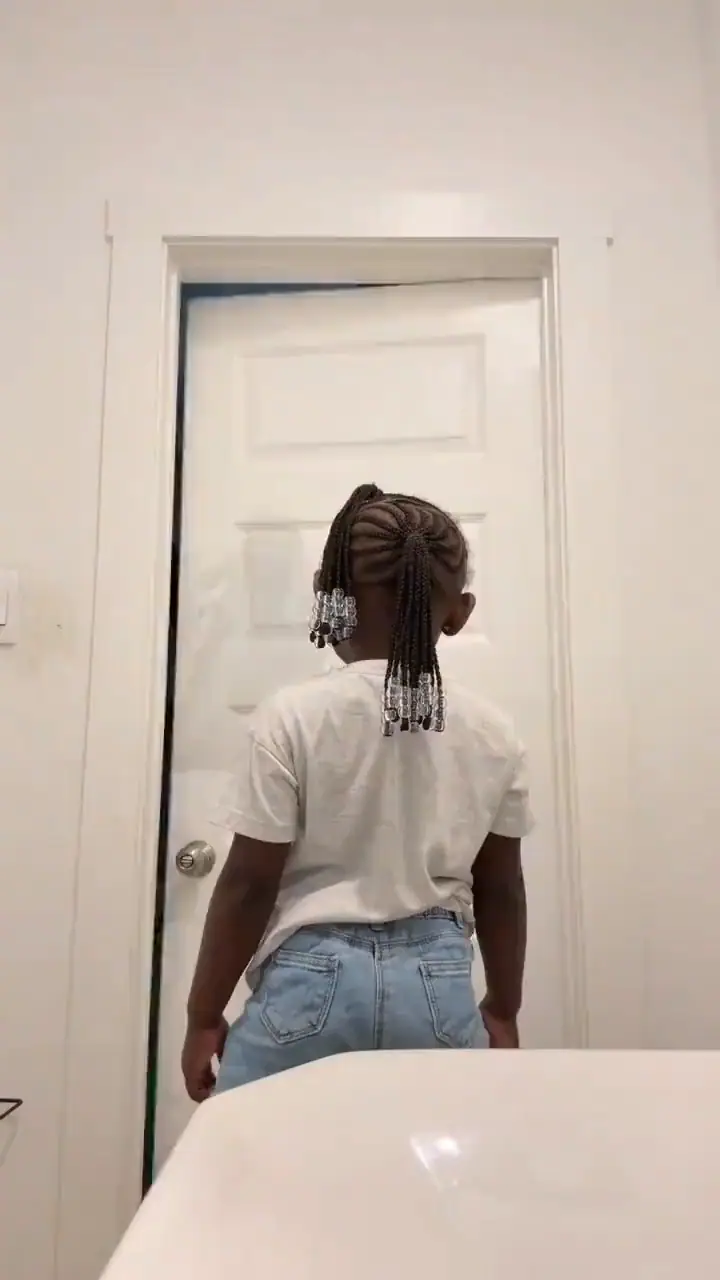
A Familiar Face, an Unexpected Visitor
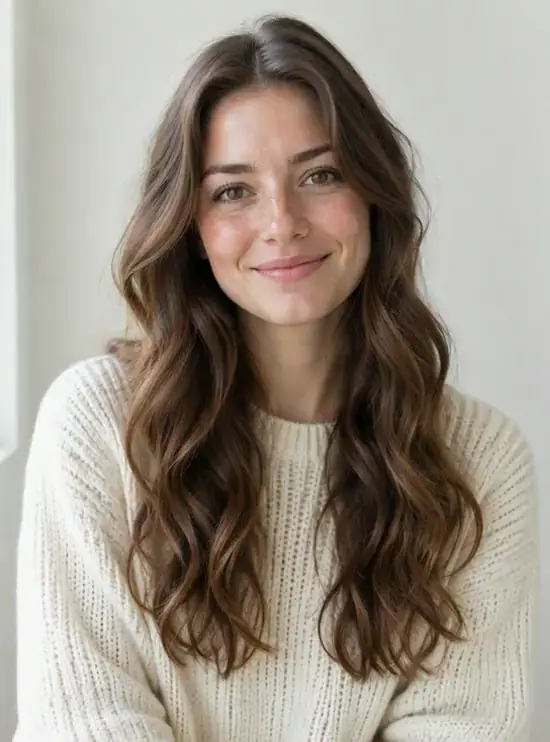
A Familiar Face Makes the Surprise Personal
It's not a stranger in a horror movie. It's you at home, or your friend in the room everyone recognizes. That ordinary setting makes the unexpected visitor much more fun to spot.
Let Your Friends Spot It First
Send the clip without pointing out the ghost. Ask “Did you notice anything?” and see which friend spots the unexpected visitor first.
The Prank Works Even When You're Apart
You don't need everyone in the same room with a phone camera pointed at them. A photo lets you make the spooky clip first, then share it whenever the timing feels right.
A Prank You Can Preview First
Watch the finished clip yourself before sending it. You get to see how the ghost appears, decide who would enjoy the surprise, and choose whether this is the joke you want to share.
Make Room for the Ghost in Your Photo
- Show the Face and Shoulders
- Pick a photo taken a little farther back than a tight face close-up. The ghost needs some visible space over or beside a shoulder to make its entrance.
- Keep the Background Ordinary
- A kitchen, sofa, hallway, or ordinary room sets up the joke. A clear, reasonably lit background gives viewers something familiar to look at before the surprise.
- Let One Person Be the Star
- A photo with one clearly visible person keeps the focus on the face and the space behind it. Start with the original everyday photo—the ghost is the twist you're creating.
- Start with a Clear Original Photo
- Use the original photo instead of a screenshot of a screenshot. Choose visible facial details without heavy filters, stickers, or text covering the face, so your familiar expression remains the starting point.
Who Would You Send a Ghost Prank To?
The best target is someone who will enjoy the joke with you. Pick the person, find a familiar photo, and let the ghost do the surprising.
The Friend Who Says Nothing Scares Them
They never flinch at horror movies and always claim they'd stay cool. Put the ghost behind their most relaxed selfie and send it with one simple message: “Notice anything?”
Test Their Brave FaceThe Sibling Who Always Pranks You First
If they've spent years jumping out from behind doors, it's their turn to get an unexpected visitor. A goofy ghost behind a familiar face makes for playful payback.
Get Playful PaybackYour Own Haunted Selfie
You can be the unsuspecting star of your own video. Keep your usual calm expression, let a ghost photobomb the background, and post it to see who spots the visitor first.
Haunt My SelfieA Halloween Group-Chat Surprise
Instead of sending another pumpkin sticker, drop in a normal-looking video with one detail nobody expects. The fun is watching the replies change when someone finally notices the ghost.
Spook the Group ChatYour Horror-Movie Night Partner
The credits have rolled, but you have one more scene to share. Turn a photo from your movie night into a ghost cameo and send it to your viewing partner as a playful bonus scene starring someone they know.
Create a Bonus SceneThe Roommate Who Blames Every Noise
Every creaky floorboard becomes a running joke in your home. Use a photo taken in your familiar hallway or living room, then introduce the ghost as your newest housemate. Finally, someone else to blame for the midnight noises.
Meet the New RoommateThey Don't See the Ghost. You Do.
At first, your attention goes to the familiar face: someone smiling in the kitchen, sitting on the sofa, or posing for an ordinary selfie. Then a pale face starts to emerge beside a shoulder. You notice the visitor while the person carries on, creating that brief urge to tell them to turn around.
The everyday setting gives the reveal its contrast. A room you recognize feels ordinary until something unexpected shares the frame. Keeping the person at the center lets the ghost become a background discovery: viewers can look back at the beginning to see when it first appeared. The familiar face stays the star, with an unfamiliar guest just behind it.
There are two moments to enjoy: the reveal inside the clip and the response when someone watches it. The AI creates the first; showing the finished video to your friend creates the opportunity for the second. Let them watch before explaining the edit, then share the joke together. Any reaction you film afterward is a separate, real moment.
Ghost Filter Prank AI FAQ
It's a photo-to-video effect that makes a creepy ghost gradually appear behind the person in your picture. The person remains the center of the scene, while the unexpected figure creates the prank.
One clear photo with a visible face and some space behind the shoulders. Upload it and select Create Ghost Prank Video—the effect is already set up, so you don't need to write a prompt.
The idea is similar, but the way you make it is different. Live camera filters add an effect while you're recording. Ghost Filter Prank AI starts with an existing photo and turns it into a short prank video you can share afterward.
This prank is about the figure behind you. A long-haired, pale-eyed ghost enters the background while the person remains the focus. The surprise is noticing what's behind them, not turning them into a monster.
Yes—choose a photo you have permission to use and share. The prank is more enjoyable when the person can laugh about it with you after seeing the video.
The AI creates the spooky scene with a ghost behind the person. The real reaction happens when you show them the finished video. If you decide to film that moment, get their okay before sharing the reaction publicly.
Yes. Save your ghost prank video and upload it to the platform where you normally share clips. Keep it playful, and make it clear that the ghost was created as an AI effect.
Who Gets the Unexpected Guest?
Pick a familiar face and a photo with room for one more. Create the reveal, then share it with someone who enjoys a spooky joke.