
THE WHITE-STUDIO KEYBOARD DUET
Alors on Danse AI Video Generator
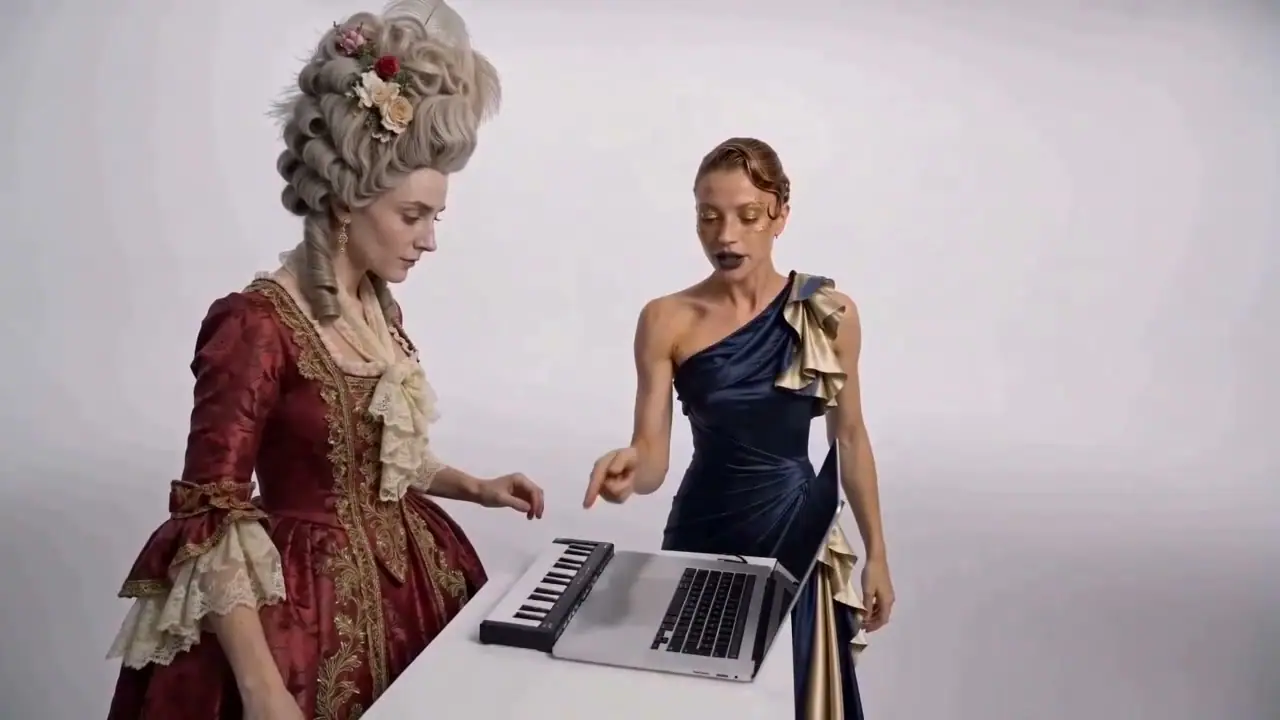
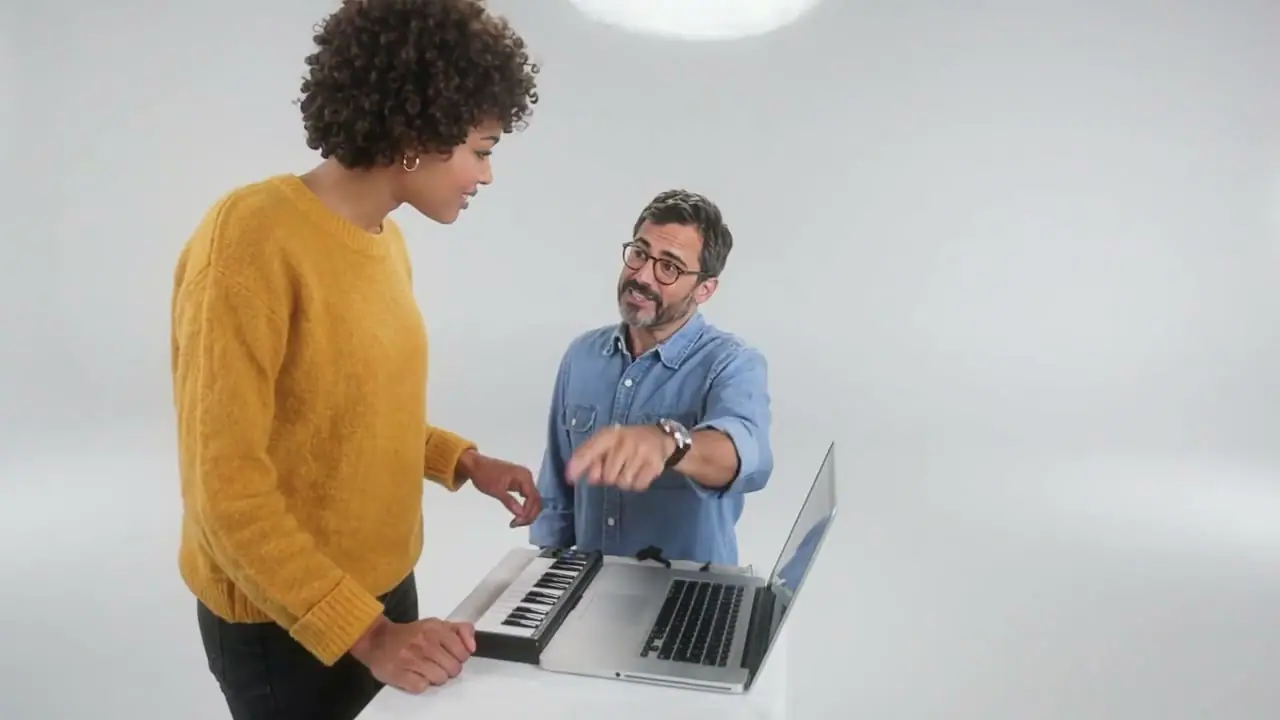
Turn yourself and a friend into the Alors on Danse studio duo. One plays the keys, the other steals the spotlight. Upload your photos and create a musical joke to share, without filming yourselves.
- Two portraits or one duo photo
- A recognizable studio scene
- 15 seconds · 720p · 16:9
How to Make an Alors on Danse AI Video
Choose Photos and Cast the Roles
Upload two clear portraits, or one photo showing both people side by side. Photo 1 is the keyboard player on the left; Photo 2 is the expressive partner on the right. In a duo photo, keep the keyboard player on the left and the partner on the right.
Create the Studio Duet
Choose Make My Studio Duet to create your 15-second, 720p, horizontal studio video with music. Sign in and check the credit cost before starting.
Review Before Sharing
Watch the finished video from beginning to end. Check both faces, the keyboard scene, the sound, and the ending. Download the result when it is ready and share it only with the people’s permission.
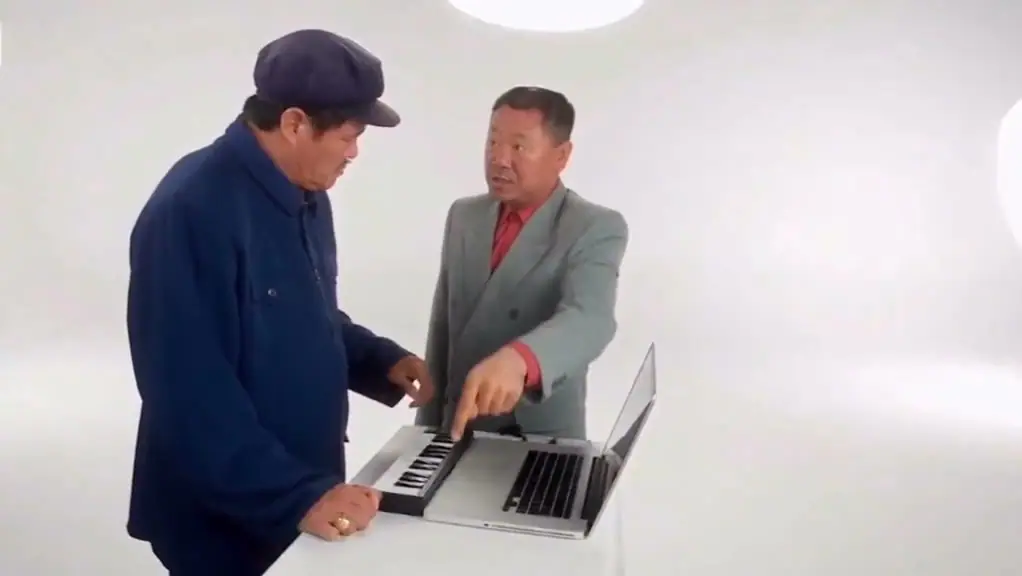
See the Studio Duet in Action
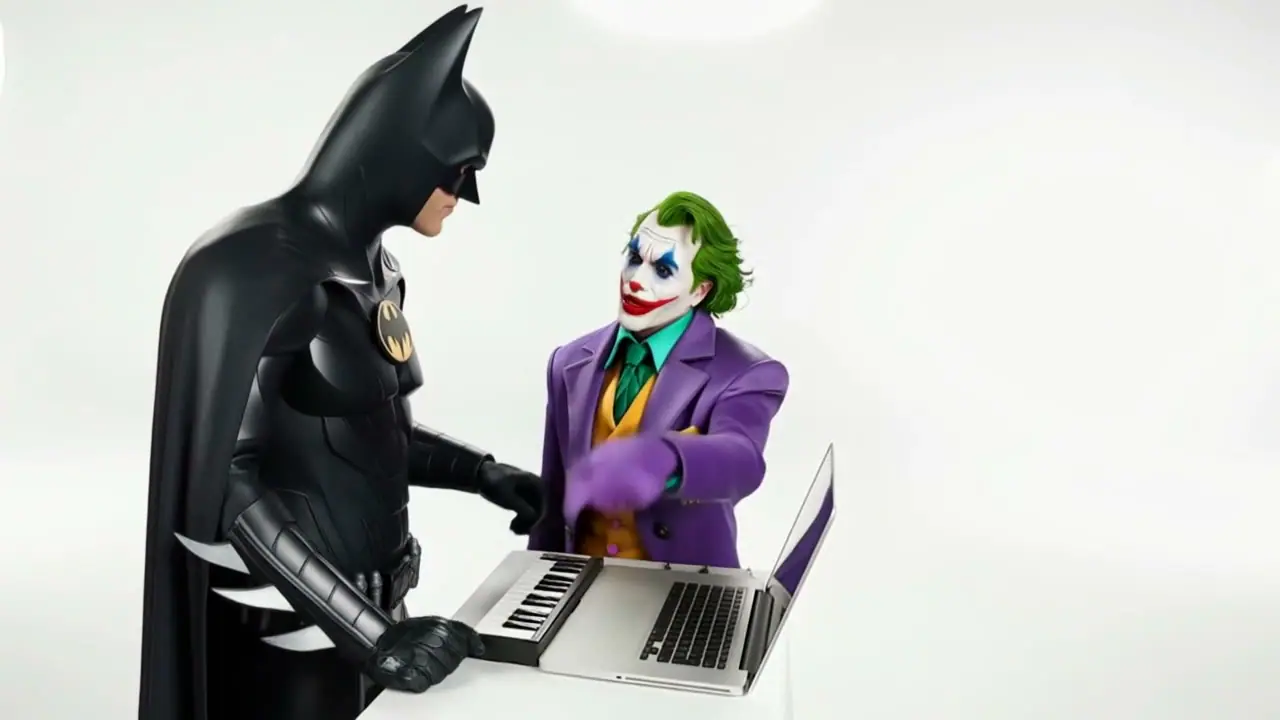
Who would play the keys—and who would act like they made the whole song? Watch the duets, choose your two stars, and upload their photos to create your version.
Why Choose Our Alors on Danse AI Video Generator?
Make Familiar Faces the Main Event
Put yourself and someone you know at the center of the studio duet. A familiar pairing gives the scene a personal twist that a generic dance clip cannot.
Turn Two Personalities into One Funny Scene
One character plays the keys while the other reacts. The contrast between their roles creates room for playful pairings, unexpected reactions, and your own visual joke.
Join the Trend with Your Own Cast
Give the recognizable Alors on Danse studio scene a different story through your choice of characters. Try a couple, two friends, or an unlikely duo with contrasting looks.
Create Something to Share with Your Duo
Make a birthday surprise, a playful couple post, or an inside joke for your group chat. Give the person beside you a starring role in a moment you can enjoy together.
Choose Photos That Make the Duo Recognizable
- Keep Each Face Clear
- Choose well-lit photos where the eyes, nose, mouth, and hairstyle are visible. Blurry selfies and covered faces give the video less detail to work with, especially when a character moves closer to the camera.
- Show the Hair and Some of the Outfit
- A head-and-shoulders or waist-up photo gives more context than a tightly cropped face. If an outfit is part of the joke, use a photo that clearly shows it.
- Keep the Two Roles Separate
- Use one recognizable person in each picture. Group shots, mirrors, or overlapping people can make it harder to tell which face belongs to which performer.
- Use an Original Photo, Not a Tiny Screenshot
- A clear image taken on a phone is a better starting point than a compressed thumbnail, dark screen capture, or heavily filtered portrait. Choose photos that the people pictured have agreed to use.
Who Would You Put in the Studio?
The strongest joke comes from a pairing people recognize. Think about who plays the focused musician and who takes all the credit.
Your Best Friend Who Takes All the Credit
Let the most serious friend play the keyboard and the loudest friend handle the pointing and reactions. The clip becomes a joke about who did the work and who claims the hit.
Expose My Friend’s Inner ProducerA Couple's First Hit Record
Cast one partner as the quiet music-maker and the other as the enthusiastic director. It is a playful alternative to another ordinary couple selfie, even if you were never in the same room for the photos.
Make Our First HitThe Office Producer and the Self-Appointed Boss
Put a consenting coworker at the keyboard and another in the coaching role. The exaggerated division of labor can turn a familiar workplace dynamic into a harmless, clearly labeled AI joke.
Put Our Office Duo on StageA Birthday Studio Session
Put the birthday person in one role and a willing friend in the other, then add your own birthday message when sharing. The duet is the visual joke; the personal message makes it a greeting.
Give Them a Birthday DebutYour Parents’ Unexpected Debut
You know them as Mom and Dad. Now cast them as the duo nobody saw coming: one making the beat, the other stealing the show. Send it to the family chat and let everyone pick their favorite performer.
Give Mom and Dad Their DebutThe Reunion Your Group Chat Needed
Haven’t been in the same room in ages? Put yourself and an old friend side by side in the studio. Send the clip with “We’re getting the band back together” and bring an old inside joke back to life.
Get the Band Back TogetherWhy Is the Alors on Danse AI Duet So Funny?
One makes the beat. The other acts like the whole song was their idea. That contrast is the joke: serious effort on one side, oversized confidence on the other.
Swap in familiar faces and the scene becomes your own inside joke. You probably already know which friend would focus on the keyboard—and which one would point, react, and take the credit.
Or reverse the roles. Give your quietest friend the spotlight and put the loudest one on the keys. Sometimes the funniest pairing is the one nobody expects.
The white studio setup comes from a comedy sketch featuring Stromae and Jamel Debbouze in Made in Jamel (2010). AI remakes give that familiar scene a new cast.
More AI Dance and Music Video Trends
Find your next performance: explore another dance and choose the scene for your next video.
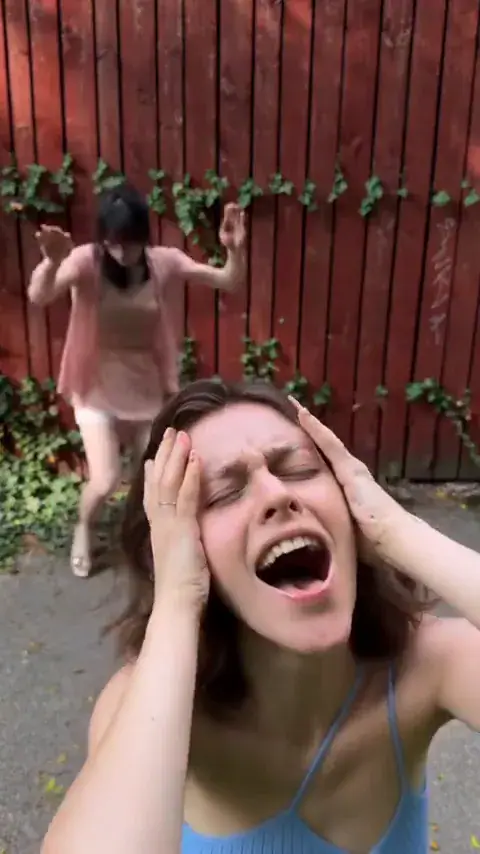
Smalltown Boy AI Dance
A dramatic two-character routine built around camera close-ups, switching roles, and dancing together.
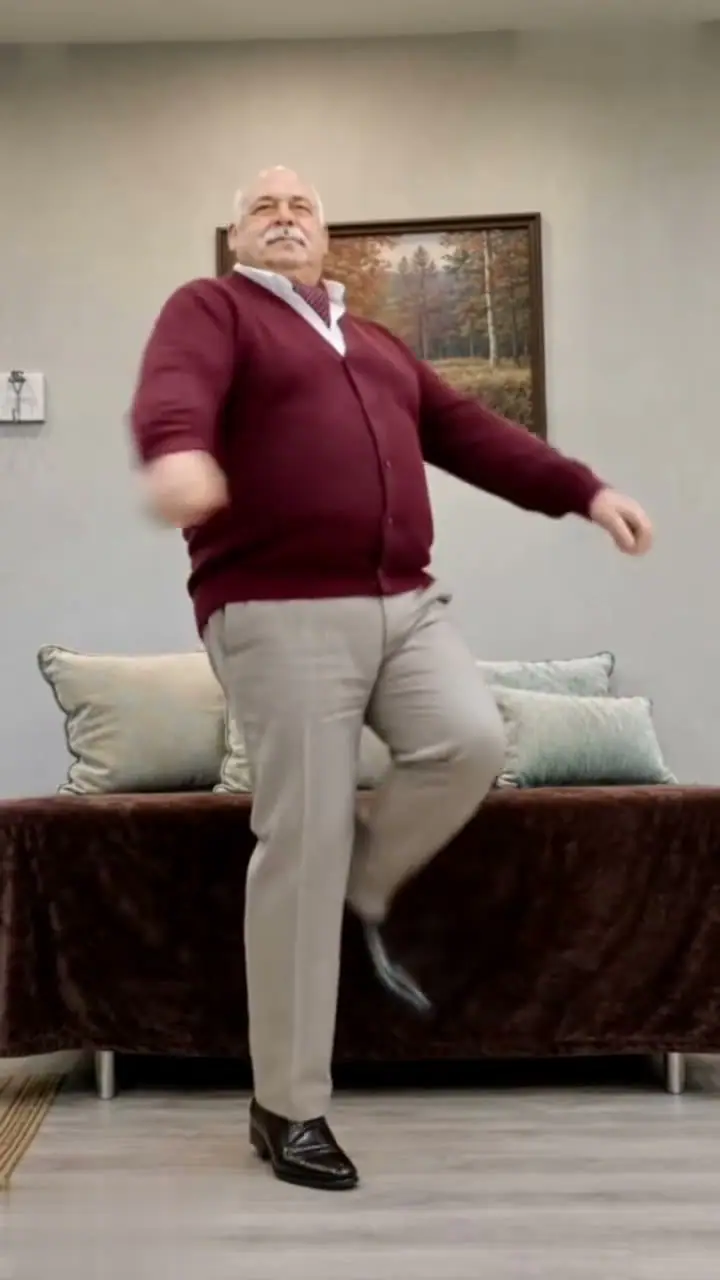
Toc Toc AI Dance
A playful hop-and-knock dance inspired by the French song “Toc Toc,” with one dancer taking the spotlight.
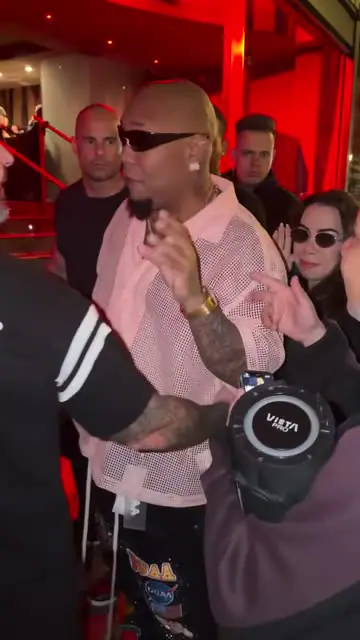
Bulin 47 AI Freestyle
Step into a lively street freestyle with expressive gestures and a speaker-led performance.
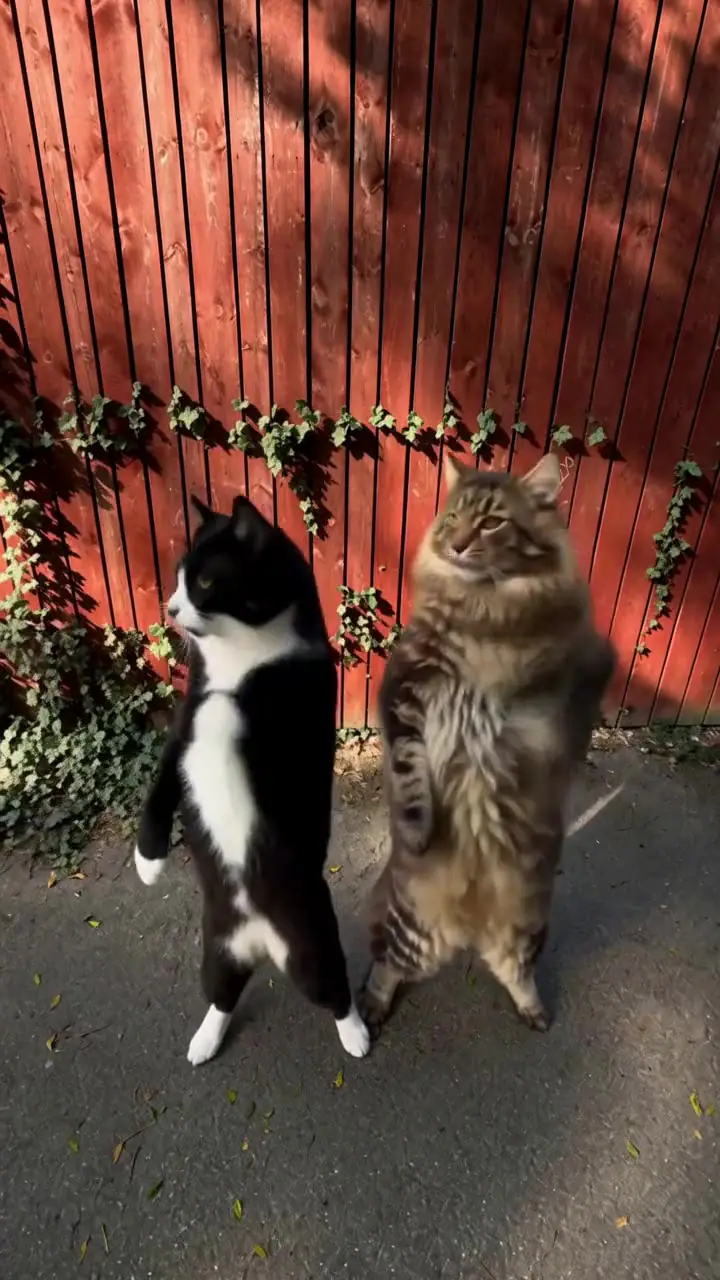
Smalltown Boy Cat Dance
For a different kind of two-character joke, watch cats take turns in the dramatic scream-and-dance routine.
Alors on Danse AI: Common questions
It is an AI remake of a two-person comedy scene with a small keyboard, laptop, and white studio. New faces or characters replace the performers while the recognizable interaction remains the point of the joke.
No. The scene comes from a scripted comedy sketch with Stromae and Jamel Debbouze in Made in Jamel (2010). The official music video and the 2021 TikTok group dance are different videos.
Use two clear portraits, one for each role, or one photo showing both people side by side. Photo 1 plays the keyboard on the left and Photo 2 reacts on the right. With a duo photo, the people keep their left and right roles.
Use sharp, evenly lit portraits with visible faces, hair, and some clothing. Avoid tiny screenshots, sunglasses that cover the eyes, heavy filters, and crowded group photos. Clear images make it easier to check each person's likeness in the result.
You do not need to film yourself dancing or upload a video. The 15-second studio scene is built in. Upload your portraits or duo photo and choose who takes each role.
Yes. Your 15-second video includes the music heard in the preview. Turn on the preview sound to listen before creating your duet.
Each 15-second studio duet costs 10 credits. Sign in and check your available balance before creating. The pricing page shows the current credit packages.
Some versions of the trend use pets, including two-animal keyboard duets. Not every generator supports animal photos, so look for actual pet examples and confirmed input options before choosing one.
Choose sharp, well-lit photos with unobstructed faces, visible hairstyles, and some clothing. Use one person per portrait, or a clear duo photo with the keyboard player on the left and the partner on the right.
Not necessarily. Some older CapCut templates use “Alors on danse” as music for cuts between photos or clips. The newer AI keyboard duet places new characters into the white-studio scene. Check the template preview to see which result it creates.
Yes. Download your finished video and upload it to your social accounts. The video uses a 16:9 landscape format; you can reframe it in a video editor if you prefer a vertical post.
Your Duo, One Studio Moment
Choose who plays the keys and who reacts beside the keyboard. Give the familiar Alors on Danse scene a new cast and share the joke with people who will recognize them.